AquaFunded merging and active virtual allocation
Separate AquaFunded evaluation count from active funded allocation, check breakeven merging conditions, and keep Instant Funding exclusions and country caps visible.
Evaluation count is a different measure
The accounts FAQ permits simultaneous evaluations, while its funded-account sentence caps eligible merged active allocation. Number of purchases is not the same as allowed active virtual capital.
Sources for this section
help.aquafunded.com — official documentation help.aquafunded.com — official documentation help.aquafunded.com — official documentation help.aquafunded.com — official documentation help.aquafunded.com — official documentation help.aquafunded.com — official documentation
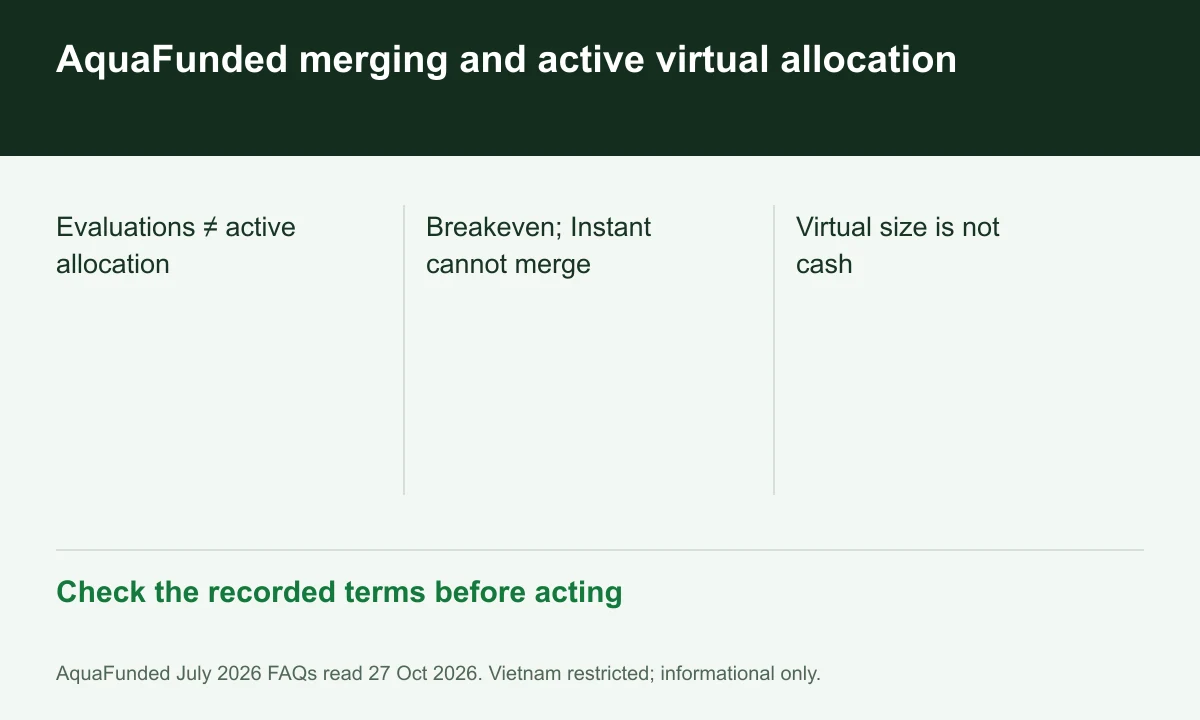
Diagram explained
Check the recorded terms before acting
- Evaluations ≠ active allocation
- Breakeven; Instant cannot merge
- Virtual size is not cash
Read the merger conditions together
The maximum-capital FAQ requires both funded balances at breakeven to merge, and the accounts FAQ excludes Instant Funding from merging. A size-only calculation misses those conditions.
Use a conditional allocation example
Two hypothetical eligible USD 100,000 accounts total USD 200,000 of virtual allocation. The sum alone does not establish merger approval, profitability or money available to withdraw.
Keep regional and scaling limits distinct
The general active cap is USD 400,000, while the country FAQ can impose USD 50,000 Instant-only limits. Scaling language is another conditional path, not immediate cash entitlement.
Your next step
Sources and scope
Sources are provider publications. Conditions may vary by entity, country, account and program. Recheck before signing up.