Axi MT4 or MT5: choose by EA and order workflow
Match existing tools, server details and the account labels in the client portal.
Start with the working toolchain
Axi’s MT4 page describes MQL4 EAs, indicators and scripts. Check compatibility before moving them to MT5; a shared MetaTrader brand does not establish that an existing program runs unchanged on the newer platform.
Sources for this section
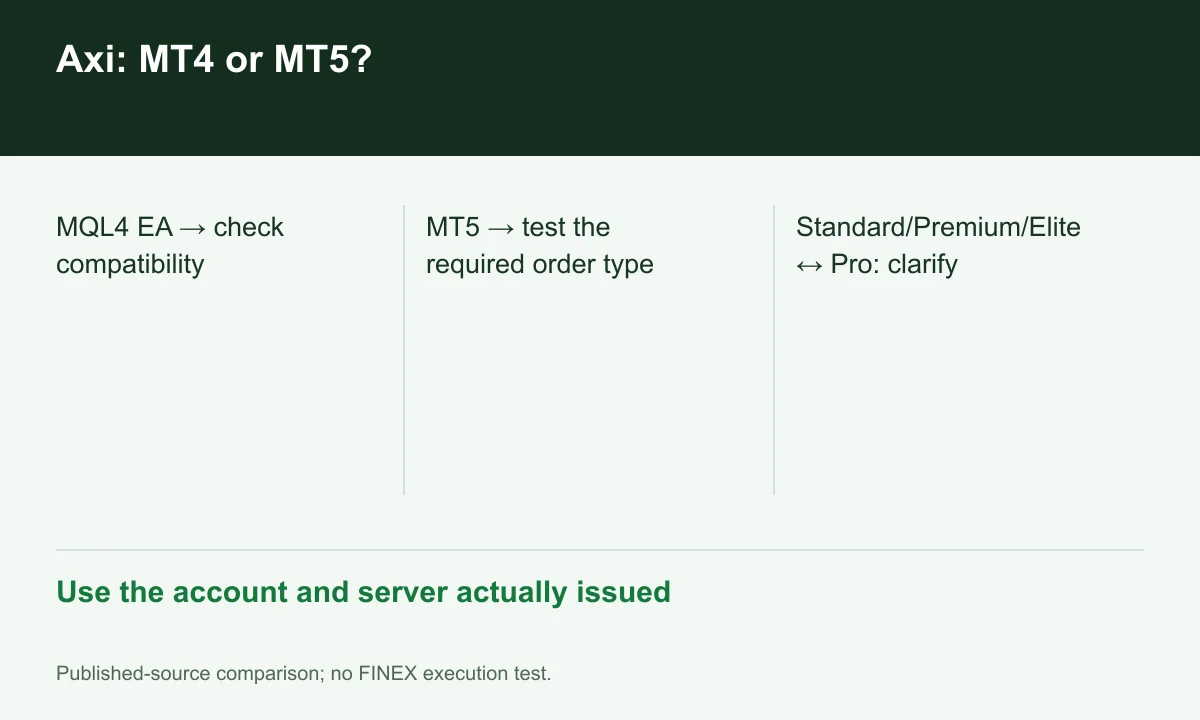
Diagram explained
Use the account and server actually issued
- MQL4 EA → check compatibility
- MT5 → test the required order type
- Standard/Premium/Elite ↔ Pro: clarify
What does MT5 add to the workflow?
The MT5 page lists more timeframes and pending-order types than MT4. Their value depends on your analysis and order workflow. Try the required order on a demo; provider speed claims are not FINEX execution tests.
Sources for this section
Account labels differ between pages
The international account page uses Standard, Premium and Elite, while the MT5 page still mentions Standard and Pro. Use the actual account and server offered, rather than assigning Premium pricing to every account labelled Pro.
Sources for this section
A short check before funding
Record company, account type, server, base currency and instrument specifications. The source footer names AxiTrader LLC in SVG; company registration is not a brokerage licence. A Vietnamese-language site alone does not establish Vietnam eligibility.
Sources for this section
Register for up to 100% trading fee rebates
Rebate details
Contact FINEX to confirm the rebate rate, eligible fees and account conditions before registering. contact@finexbroker.com
Your next step
Sources and scope
Sources are provider publications. Conditions may vary by entity, country, account and program. Recheck before signing up.