BingX passkeys and fund password: different security jobs
Separate BingX login, fund-password and passkey controls, read device exceptions and verify recovery through the official account-security route.
Map login and fund operations separately
BingX Security Center lists passkeys, an authenticator, email, phone and a fund password as separate controls. A login password protects access; the fund-password description targets fund operations. Check which prompts apply to the action you intend to perform.
Sources for this section
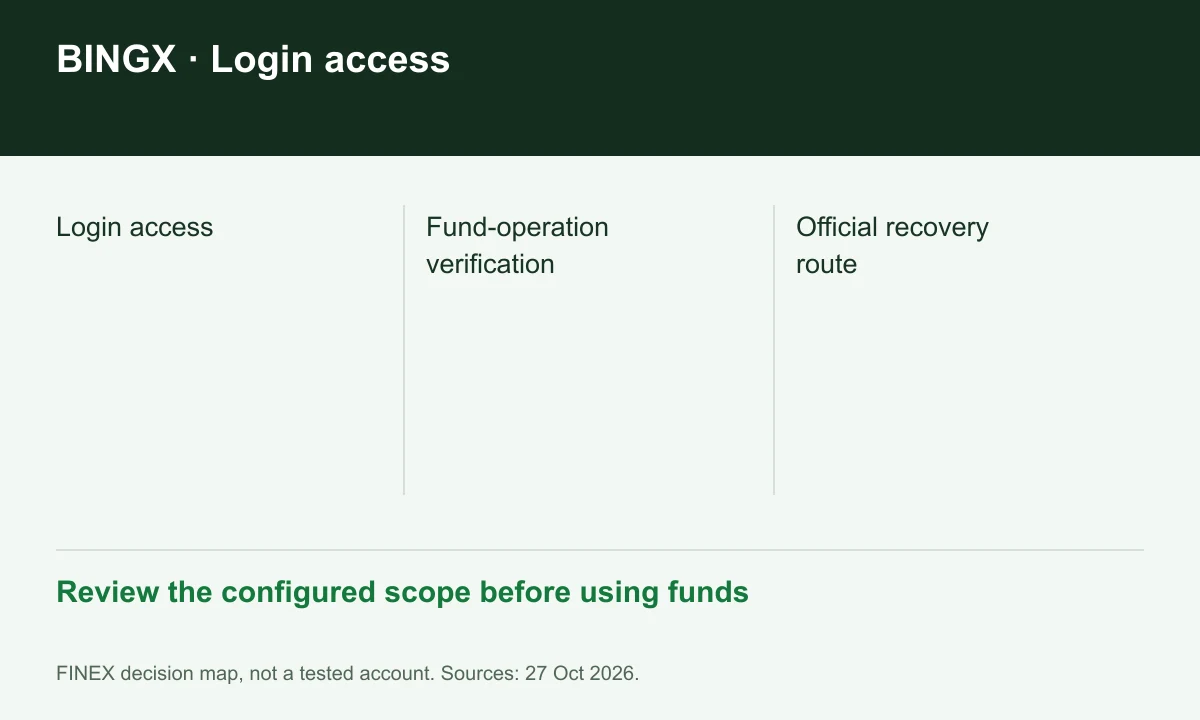
Diagram explained
Review the configured scope before using funds
- Login access
- Fund-operation verification
- Official recovery route
Read passkey support as device-specific
The dated passkey announcement describes supported app and operating-system versions and exceptions for risk scenarios or larger withdrawals. It is not a guarantee that every withdrawal can omit codes. Follow the current app prompt rather than an older screenshot.
Sources for this section
Use an anti-phishing cue without trusting it alone
The Security Center offers an anti-phishing code for checking emails. Treat it as one cue alongside the real domain and the account's own activity record. A copied logo or familiar-looking message is not evidence that a request came from BingX.
Sources for this section
Prepare for a lost device without sharing access
Keep your verification methods current through official settings. The customer agreement requires personal account use and prompt reporting of unauthorized access. If a method stops working, use official recovery support; do not hand account credentials to someone claiming to unlock withdrawals.
Sources for this section
Register for up to 100% trading fee rebates
Rebate details
Contact FINEX to confirm the rebate rate, eligible fees and account conditions before registering. contact@finexbroker.com
Your next step
Sources and scope
Sources are provider publications. Conditions may vary by entity, country, account and program. Recheck before signing up.