Bitget withdrawal settings: whitelist and cross-device checks
Choose Bitget withdrawal controls by the failure you want to prevent: an untrusted destination, address tampering or an incorrect withdrawal request.
Use whitelist for destination choice
Bitget describes whitelisting as restricting withdrawals to saved trusted addresses. Build the list from the recipient's actual address and network, not a prior message alone. Saving a wrong address does not make it safe.
Sources for this section
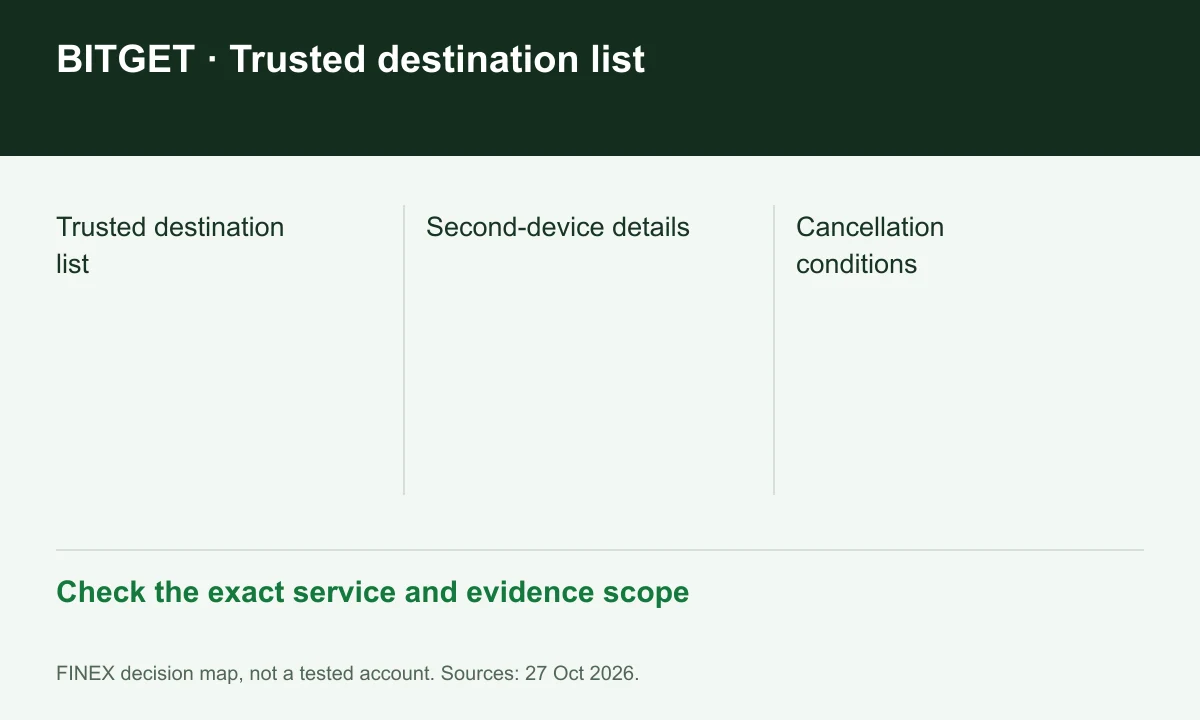
Diagram explained
Check the exact service and evidence scope
- Trusted destination list
- Second-device details
- Cancellation conditions
Use a second device against address tampering
The settings guide describes confirming web-entered details through the app. Compare the displayed destination with the intended one before authorising. A second screen helps only when you actually inspect the details.
Sources for this section
Check cancellation before relying on it
The optional cancellation feature has a short window. Confirm it is enabled and available on the actual request, rather than treating it as a reversal promise after broadcast. The separate KYC withdrawal requirements still apply.
Sources for this section
www.bitget.com — official documentation www.bitget.com — official documentation
Do not confuse convenience with permission
Passwordless withdrawal settings concern preconfigured trusted destinations. They do not remove terms, country conditions or additional account controls. If a destination change is unexpected, verify through the official account interface before authorising.
Sources for this section
Register for up to 100% trading fee rebates
Rebate details
Contact FINEX to confirm the rebate rate, eligible fees and account conditions before registering. contact@finexbroker.com
Your next step
Sources and scope
Sources are provider publications. Conditions may vary by entity, country, account and program. Recheck before signing up.