For Traders inactivity: an opened trade is not enough
Follow For Traders' completed-trade definition for inactivity, distinguish opening from closing, and retain the selected service's timer rather than a universal assumption.
Read the completed-trade definition
Clause 10.3 defines activity as a trade both opened and closed within the relevant period. Opening alone does not reset the inactivity timer.
Sources for this section
fortraders.com — official documentation fortraders.com — official documentation fortraders.com — official documentation
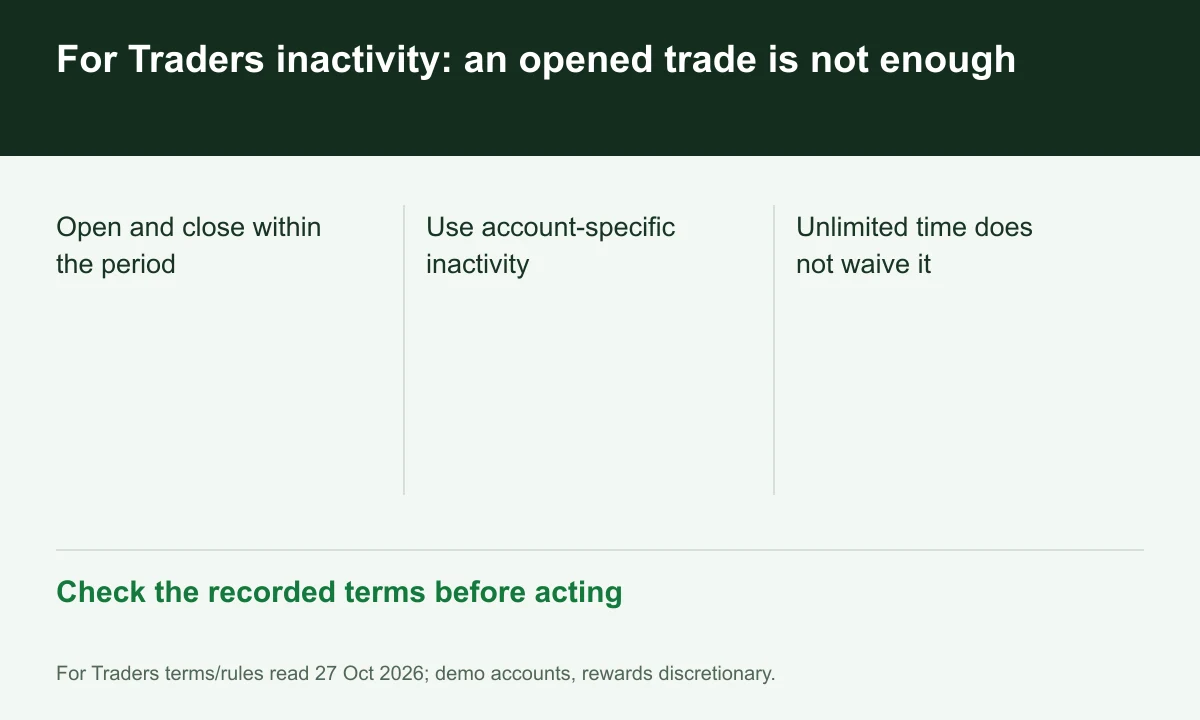
Diagram explained
Check the recorded terms before acting
- Open and close within the period
- Use account-specific inactivity
- Unlimited time does not waive it
Use the selected service period
The rule page displays 30 days in specific configurations, while the contract says the applicable service determines the period. Save the account's own rule record.
Check history rather than the chart
A hypothetical position opened on day 20 and still open on day 31 has no completed close in that interval. Review execution history rather than assuming visible exposure is qualifying activity.
An unlimited challenge can still expire inactive
Unlimited evaluation time does not waive inactivity. The terms permit suspension, reset or termination where the relevant period is missed; FINEX has not tested an exception or holiday pause.
Your next step
Sources and scope
Sources are provider publications. Conditions may vary by entity, country, account and program. Recheck before signing up.