FundedNext Futures EOD: trailing updates versus instant breach
Rapid Pro/Daily move the maximum-loss reference at end of day, but floating loss can breach the existing threshold instantly. EOD does not postpone enforcement. The 50K published loss distance is $2,000 and locked floor $50,100; Vietnam is purchase-restricted.
Separate the update from enforcement
The detailed Daily rules say MLL adjusts at EOD rather than in real time, while an open loss breaching it immediately fails the account. A trader cannot wait for the closing snapshot to rescue a breached intraday equity position.
Sources for this section
Official programme, eligibility or contract source Official programme, eligibility or contract source
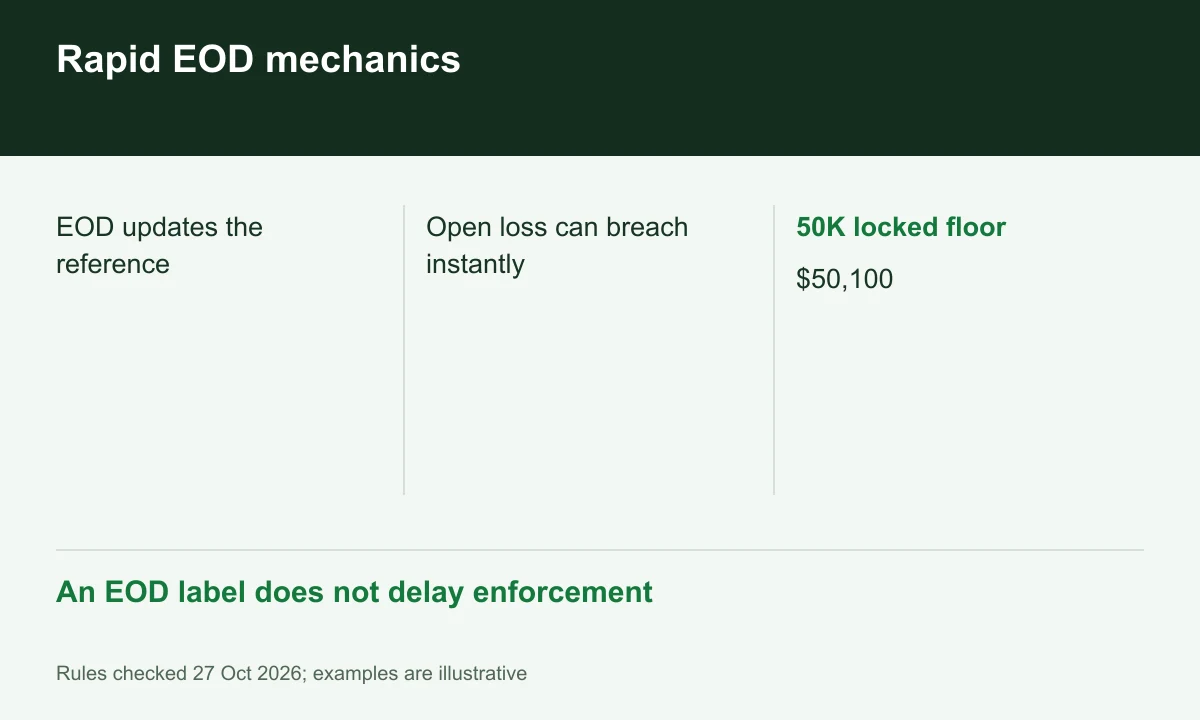
Diagram explained
An EOD label does not delay enforcement
- EOD updates the reference
- Open loss can breach instantly
- 50K locked floor: $50,100
Follow the published distance
In an independent 50K example before lock, $50,000 minus $2,000 gives an initial $48,000 floor. A higher EOD reference of $51,000 would imply $49,000 using that distance. This illustrates trailing; use the actual displayed threshold for execution.
Sources for this section
Official programme, eligibility or contract source Official programme, eligibility or contract source
Lock floor and payout buffer differ
The 50K table lists locked MLL $50,100, while Daily’s retained payout buffer is $52,100. The article’s shorthand about reaching a lock point is not a complete trigger formula. Confirm the dashboard lock status rather than confusing those two balances.
Sources for this section
Official programme, eligibility or contract source Official programme, eligibility or contract source
A DLL is an additional control
Rapid Daily carries DLL by default; Rapid Pro has it only if selected as an add-on. Neither changes the shared MLL distance. Programme labels and country eligibility must remain attached to the calculation so a Daily rule is not silently transferred to default Pro.
Your next step
Sources and scope
Sources are provider publications. Conditions may vary by entity, country, account and program. Recheck before signing up.
- Official programme, eligibility or contract source
- Official programme, eligibility or contract source
- Official programme, eligibility or contract source
- Official programme, eligibility or contract source
- Official programme, eligibility or contract source
- Official programme, eligibility or contract source