Octa demo: inactivity periods and virtual top-ups
Save test history before a break; MT4, MT5 and OctaTrader have different stated inactivity periods.
The periods concern inactive demos
FAQ deactivates demos for inactivity/no login: MT4 eight days, MT5 thirty, OctaTrader unlimited. This is not proof every actively used MT4 demo expires eight days after opening.
Sources for this section
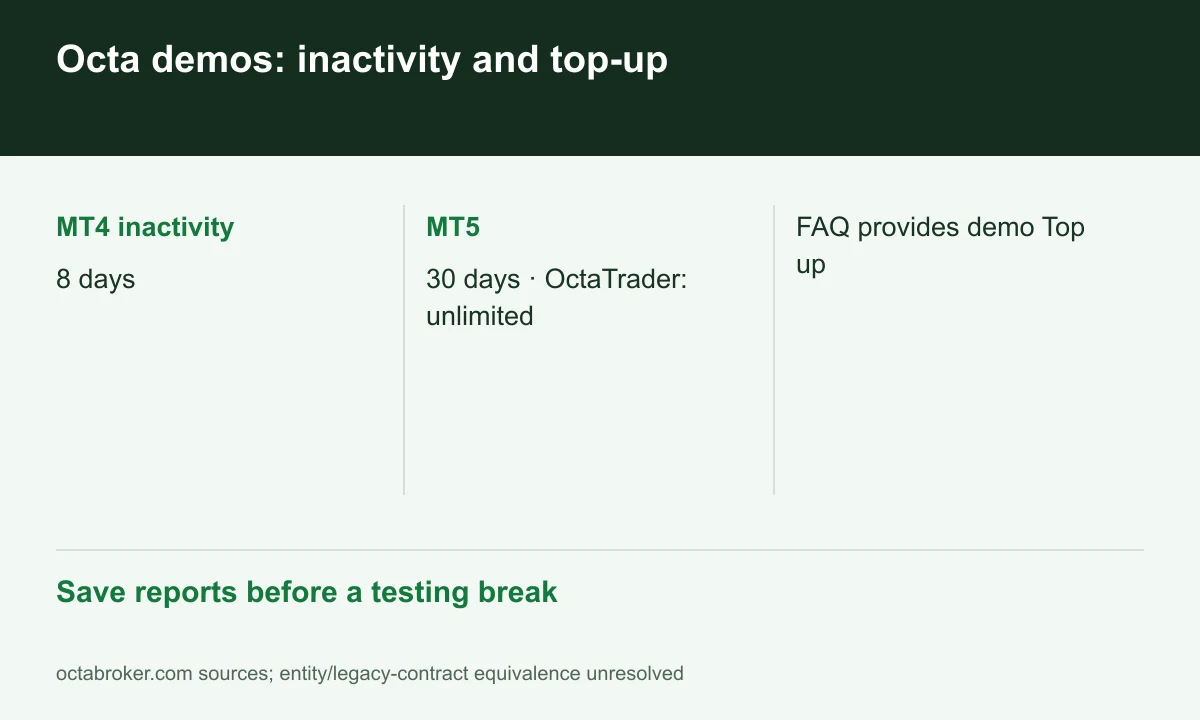
Diagram explained
Save reports before a testing break
- MT4 inactivity: 8 days
- MT5: 30 days · OctaTrader: unlimited
- FAQ provides demo Top up
Demo can be topped up
The guide selects the demo on Dashboard and uses Top up. This differs from another broker’s no-reload policy. Virtual funds are not real deposits or evidence of withdrawable cash.
Sources for this section
A testing-break example
Before a two-week break, do not leave the only MT4 test record in a potentially deactivated demo. Export reports and retain configuration/last-login date. Choose the platform by technical needs, not just demo duration.
Sources for this section
Demo does not validate live withdrawal
Real funding still has verification, route and free-margin requirements. Simulation does not validate bank receipt or entity contracts. FINEX reports no platform test here.
Sources for this section
Official octa source Official octa source Official octa source
Register for up to 100% trading fee rebates
Rebate details
Contact FINEX to confirm the rebate rate, eligible fees and account conditions before registering. contact@finexbroker.com
Your next step
Sources and scope
Sources are provider publications. Conditions may vary by entity, country, account and program. Recheck before signing up.