Vantage: choose TradingView, MT4 or MT5 for your workflow
Choose a Vantage platform, connect TradingView and check account compatibility. Separate Paper Trading practice from live execution before registering.
This article includes partner links. FINEX may earn a commission.
Which platform should you start with?
Consider TradingView for a chart-led workflow, or MT4/MT5 for an existing MetaTrader toolkit. Confirm the supported account, server and instruments first. Paper Trading does not test live-account execution.
Choose around the work you do every day
Vantage advertises TradingView connectivity alongside MT4, MT5 and its app. The useful choice is workflow: chart-led users can examine TradingView order entry, while existing MetaTrader users should check whether their tools fit the selected version and account.
Do not switch solely for a newer interface. Write down three essential tasks—such as mobile chart access, pending-order management and order-history review—and use that list to evaluate each option.
Vantage — TradingView connection and FAQ Vantage — Account types and scope Vantage — MetaTrader 4
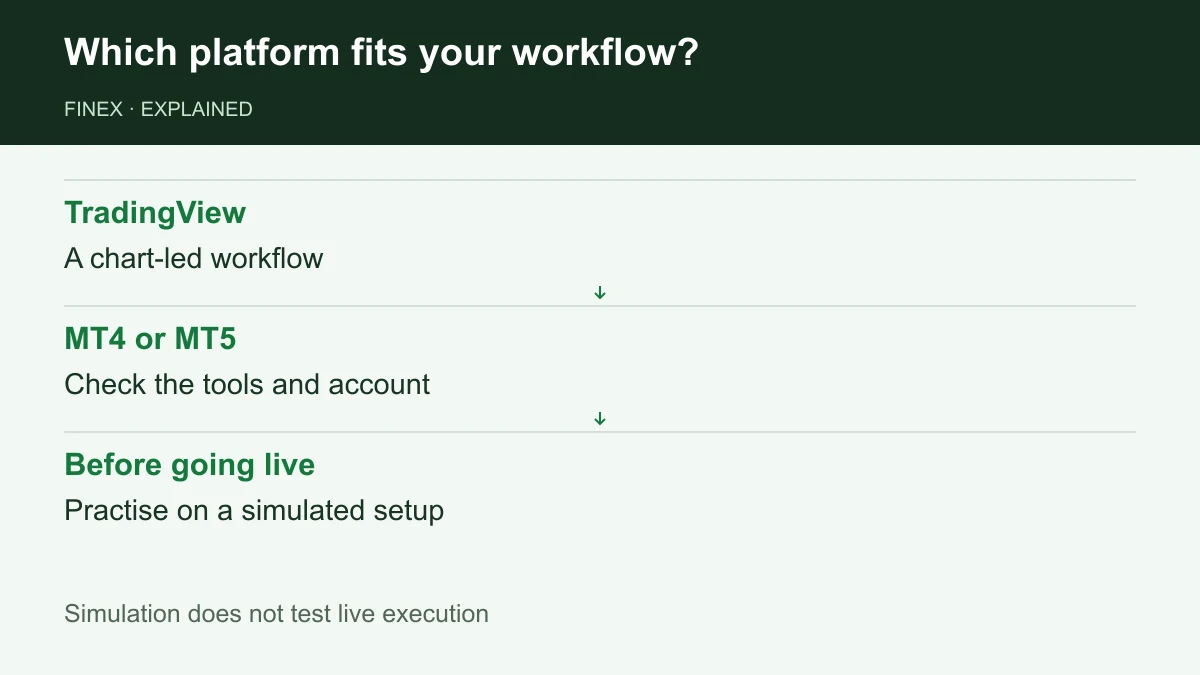
Diagram explained
Simulation does not test live execution
- TradingView: A chart-led workflow
- MT4 or MT5: Check the tools and account
- Before going live: Practise on a simulated setup
Connecting TradingView: what should you check?
Vantage’s guide starts at its TradingView broker profile or the Trading Panel, then connects using Vantage account details. Before signing in, match the broker, demo/live environment and supported account. Do not assume every MT4/MT5 login works with the integration.
If the required account or instrument is missing, confirm compatibility with support before proceeding. Seeing Vantage in the broker list does not establish eligibility for your account.
Want to explore the account options?
Separate the benefits from the limits
A familiar charting workflow can reduce application switching; that is a usability benefit, not evidence of faster execution. Switching platforms does not itself change your tariff or contracting entity.
Paper Trading is simulated: use it to practise order entry, amendments and interface management, not to judge slippage or execution speed on an integrated account. Funding remains with the broker, and paid TradingView feature plans are separate from account trading charges.
A short checklist before deciding
On a suitable simulated environment, open the intended instrument, locate its contract specification, and practise placing, amending and cancelling a pending order. Check volume, stop-loss controls, displayed margin and order history on your usual device. This is a self-check procedure, not a FINEX test result.
If the workflow meets your needs, review the accounts available for your residence and their spread, commission and swap. The partner link below opens Vantage’s signup process; registration does not itself confirm TradingView compatibility or promotional eligibility.
Match the account to your trading platform
Check the supported platform, account type and devices before getting started.
Sources and scope
Sources are provider publications. Conditions may vary by entity, country, account and program. Recheck before signing up.