WSFunded news: funded-stage four-minute window
Read WSFunded's funded-account news window and stop requirements together, preserving the older-position exception without inventing permission for automatic exits.
Use the funded-stage clause
Terms 7.25 restrict trading around high-impact news on funded accounts, rather than announcing identical evaluation permissions. Match the account stage first.
Sources for this section
faq.wsfunded.com — official documentation wsfunded.com — official documentation promo.wsfunded.com — official documentation
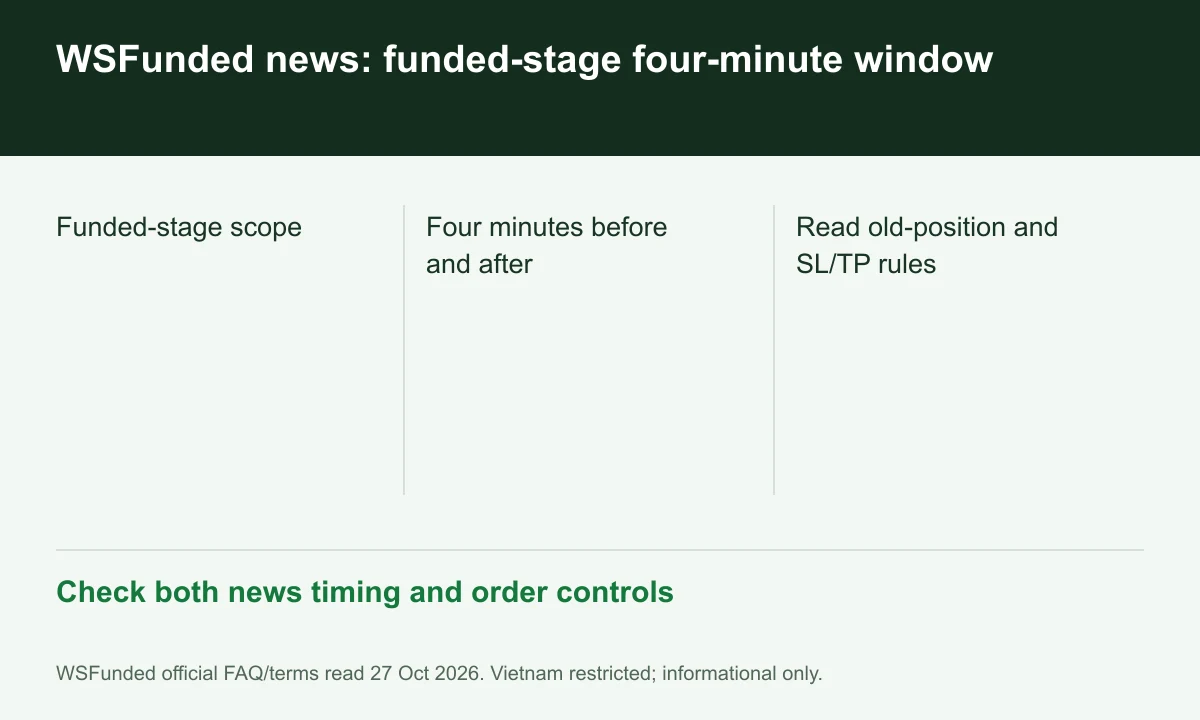
Diagram explained
Check both news timing and order controls
- Funded-stage scope
- Four minutes before and after
- Read old-position and SL/TP rules
The stated window is four minutes each side
For an illustrative 12:00 event, four minutes before and after gives 11:56–12:04. Confirm the affected instrument and official event classification; the example does not recommend timing entries.
Older positions have qualified wording
The clause mentions trades opened hours before, rather than minutes before, and adds SL/TP requirements. Do not convert that wording into blanket permission for every exit in the window.
Do not remove protective orders to hide an exit
The terms prohibit removing SL/TP before the event to avoid detection. Ask about ambiguous automatic triggers in advance and preserve the order history for review.
Your next step
Sources and scope
Sources are provider publications. Conditions may vary by entity, country, account and program. Recheck before signing up.