Atmos news window: opening and closing orders
Read Atmos's funded-stage two-minute news restriction as an entry-and-exit rule, then check affected instruments and pending-order risks without inventing event eligibility.
Check the funded-stage scope
The current rules page restricts opening or closing affected instruments within two minutes before or after a high-impact event in the funded stage. Do not silently extend an evaluation permission.
Sources for this section
atmosfunded.com — official documentation atmosfunded.com — official documentation atmosfunded.com — official documentation atmosfunded.com — official documentation
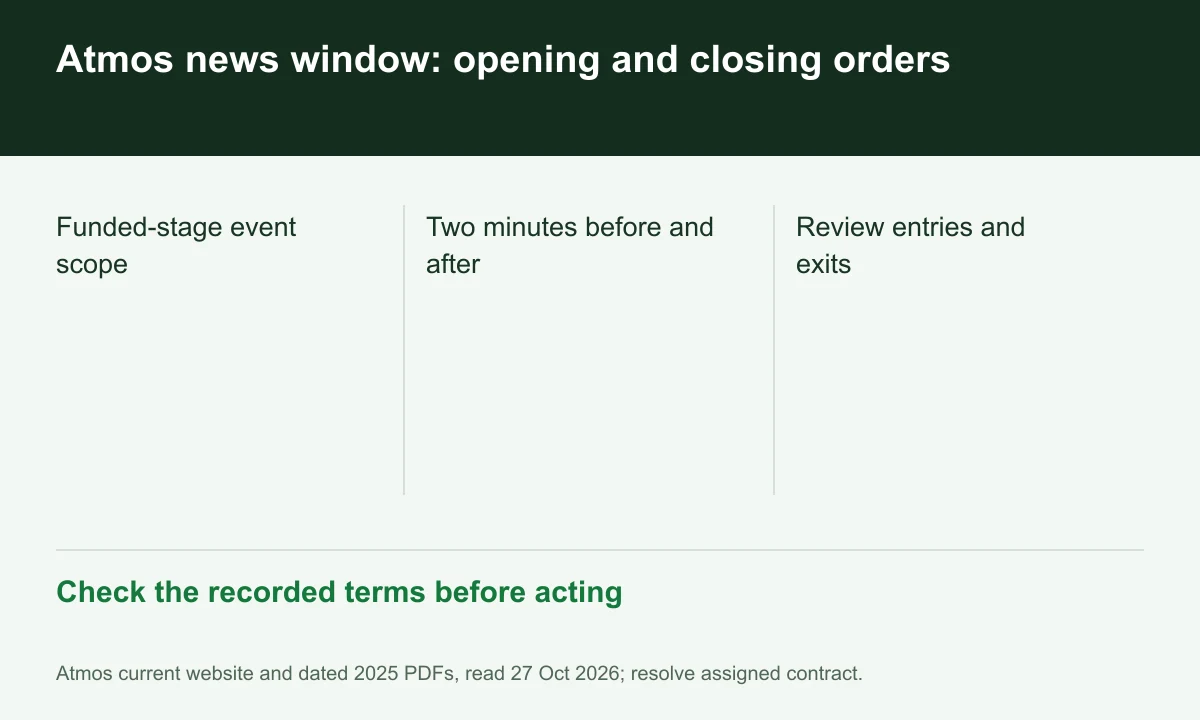
Diagram explained
Check the recorded terms before acting
- Funded-stage event scope
- Two minutes before and after
- Review entries and exits
Map instrument and event
Record the event time and affected instrument before placing an order. A hypothetical 12:00 event creates a stated 11:58–12:02 window; exact event classification still follows programme rules.
Include automatic exits in the review
Because the wording covers closing trades, inspect pending entries, stops and take-profit orders that could execute in the window. A pre-existing position does not itself settle exit permission.
Profit adjustments can appear later
The rules say profits from violating trades can be removed and processing may take days. A visible account gain immediately after news is not proof of eligible reward.
Your next step
Sources and scope
Sources are provider publications. Conditions may vary by entity, country, account and program. Recheck before signing up.