BEM automation: own software and written approval
Read BEM's prior written approval requirement for user-developed automation, distinguishing software ownership, possible testing and prohibited third-party tools.
Technical support is not permission
Terms section 12 requires written notice and approval before automated software is used. A platform's EA support or a visible algorithm button is not that approval.
Sources for this section
bemfunding.com — official documentation bemfunding.com — official documentation bemfunding.com — official documentation
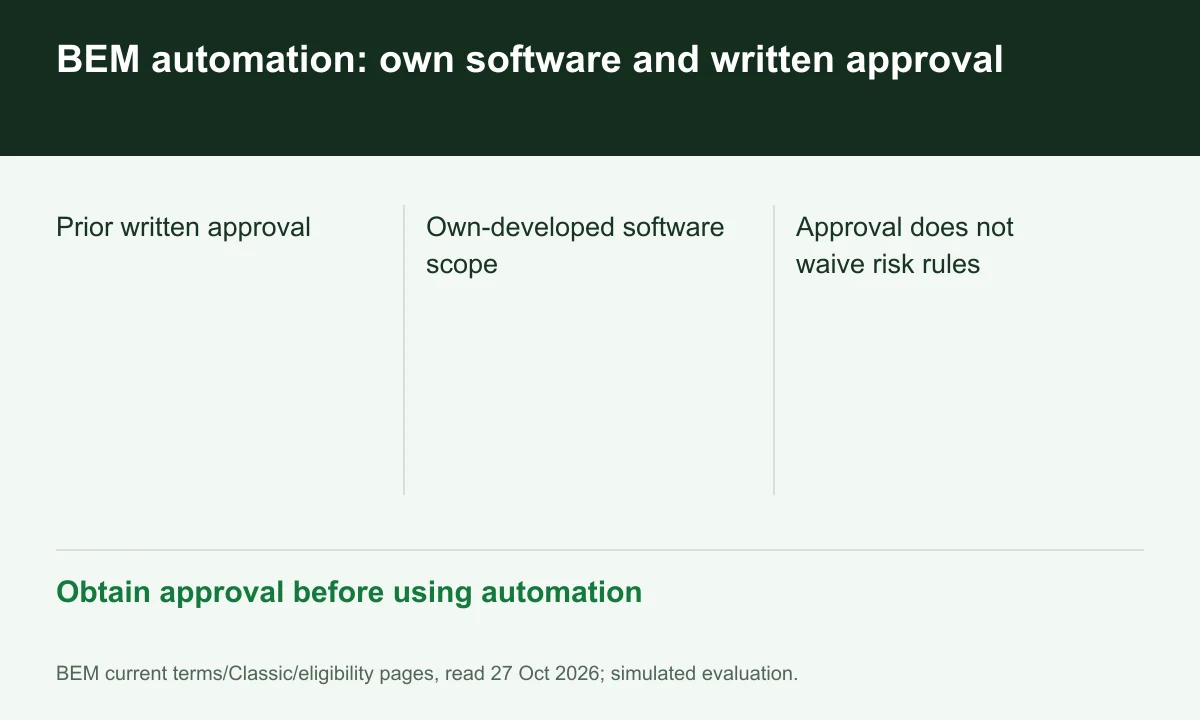
Diagram explained
Obtain approval before using automation
- Prior written approval
- Own-developed software scope
- Approval does not waive risk rules
Ownership matters
The section concerns software owned or developed by the user and prohibits software owned/developed by third parties. Buying access to a popular bot does not establish user development.
Approval may require testing
BEM reserves advance testing and keeps approval discretionary. Provide the named version, functions and intended account rather than assuming a general approval covers every later modification.
Risk and strategy rules continue
Permission to run software does not authorize prohibited arbitrage, coordination or simulated-environment exploitation. Save approval with logs showing the approved version and use.
Your next step
Sources and scope
Sources are provider publications. Conditions may vary by entity, country, account and program. Recheck before signing up.