Coinbase identity requests: verify the domain and recovery route
Check a Coinbase identity request through the signed-in account, recognise official document flows and distinguish verification from lost-2FA recovery.
Check inside the account first
Coinbase says verification requests appear after signing in. Open the known account address yourself and look for the request there. An email displaying the Coinbase name is insufficient evidence for uploading identity documents.
Sources for this section
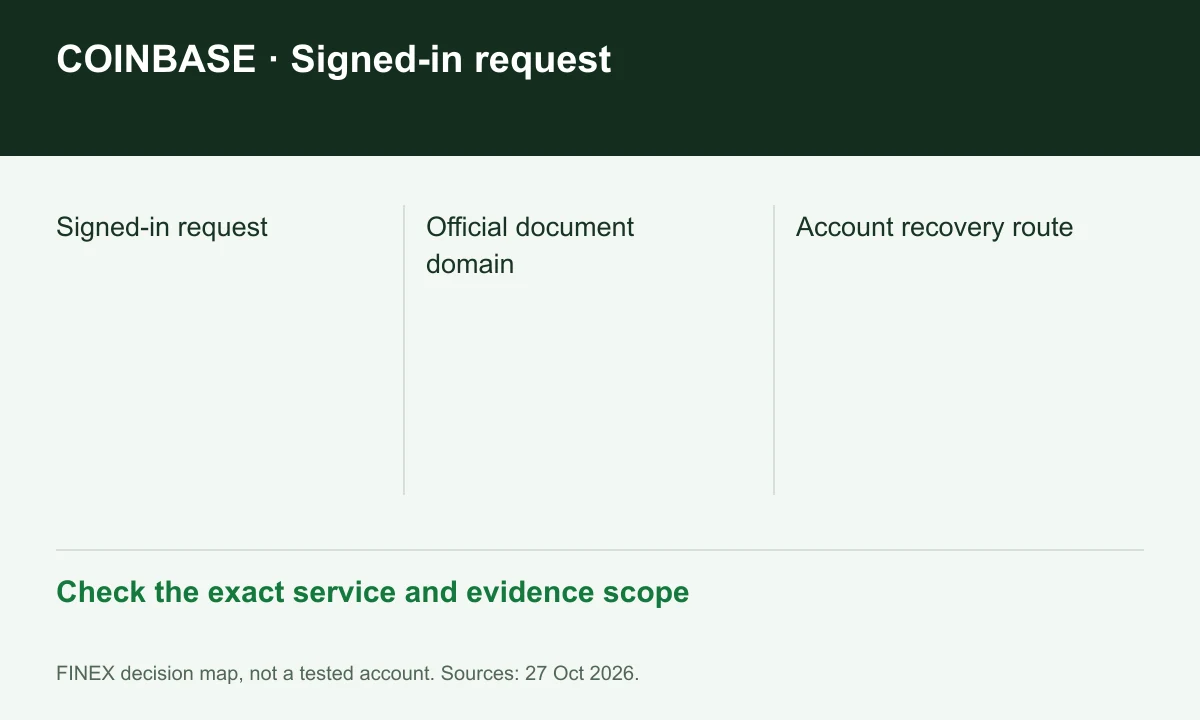
Diagram explained
Check the exact service and evidence scope
- Signed-in request
- Official document domain
- Account recovery route
Keep capture inside the official flow
The guide identifies Coinbase-owned verification domains and says not to email identity photos to support. A phone QR continuation belongs to the active session; an expired or reused code may require restarting it.
Sources for this section
Secure email as well as exchange login
The security guide recommends reviewing email forwarding rules, recovery details and unfamiliar devices. Make these checks when a request seems unexpected; a compromised mailbox can interfere with genuine notices.
Sources for this section
Lost 2FA needs account recovery
The 2FA guide distinguishes backup methods from account recovery when no method remains available. Use that official process rather than sharing codes or installing remote-support software. A hardware key cannot simply be replaced by a stranger.
Sources for this section
help.coinbase.com — official documentation help.coinbase.com — official documentation
Register for up to 100% trading fee rebates
Rebate details
Contact FINEX to confirm the rebate rate, eligible fees and account conditions before registering. contact@finexbroker.com
Your next step
Sources and scope
Sources are provider publications. Conditions may vary by entity, country, account and program. Recheck before signing up.