Finotive notional exposure versus platform margin
Distinguish Finotive's Notional Volume Limit from leverage and margin availability, using a clearly hypothetical exposure comparison and its dashboard calculator workflow.
Margin permission is not rule permission
Section 7.6 says a trade may fit platform margin but exceed Notional Volume Limit. The platform's acceptance check is therefore not the complete programme risk check.
Sources for this section
finotivefunding.com — official documentation finotivefunding.com — official documentation finotivefunding.com — official documentation
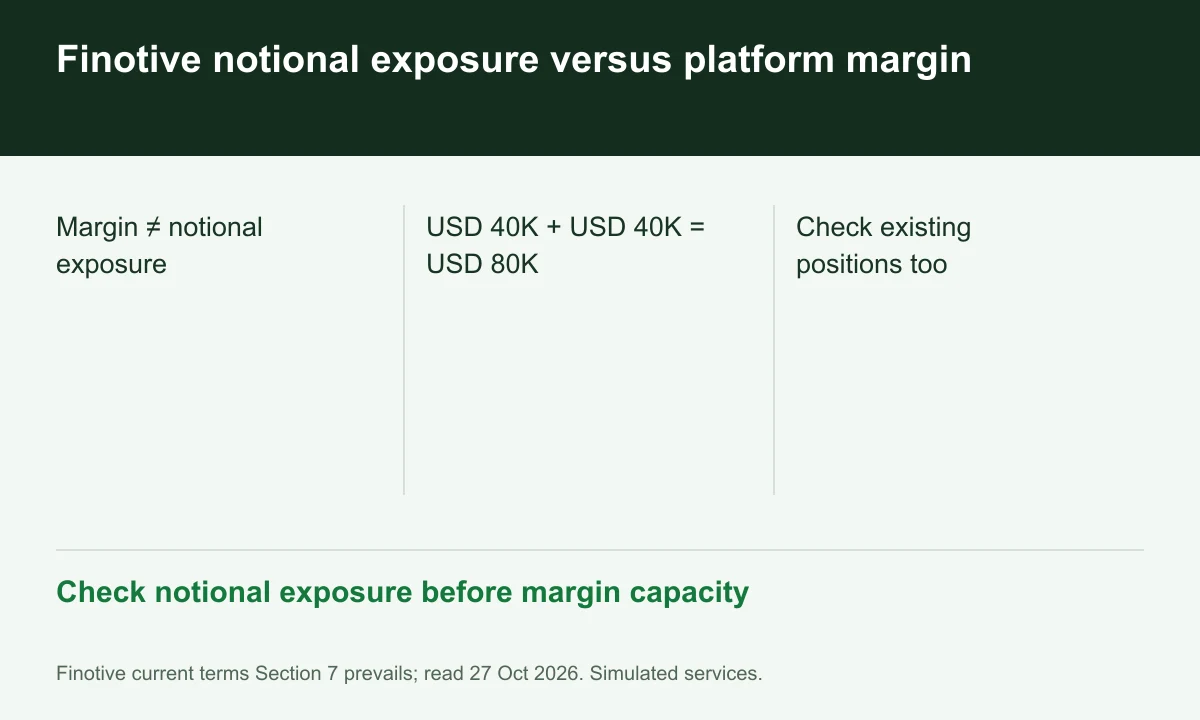
Diagram explained
Check notional exposure before margin capacity
- Margin ≠ notional exposure
- USD 40K + USD 40K = USD 80K
- Check existing positions too
Record gross open exposure
List instrument contract size, quantity and existing positions before using the dashboard notional calculator. A new ticket adds to exposure already present in the account.
Use an illustrative comparison
Two hypothetical positions with USD 40,000 notional each create USD 80,000 combined notional before any defined offsets. Required margin can be much smaller and is not the same unit.
Use the calculator as guidance
The terms describe real-time dashboard guidance but retain trader responsibility. Save the current allowed amount and proposed exposure; FINEX has not tested the calculator or a live order.
Your next step
Sources and scope
Sources are provider publications. Conditions may vary by entity, country, account and program. Recheck before signing up.