FOREX.com: MetaTrader EAs or a web workflow
Compare required tools and symbol coverage before migrating an account or automated setup.
The tool table distinguishes capabilities
The platform table lists EAs and MetaTrader Market under MetaTrader, and Performance Analytics/proprietary charting under FOREX.com. The shared brand does not imply an identical EA runtime.
Sources for this section
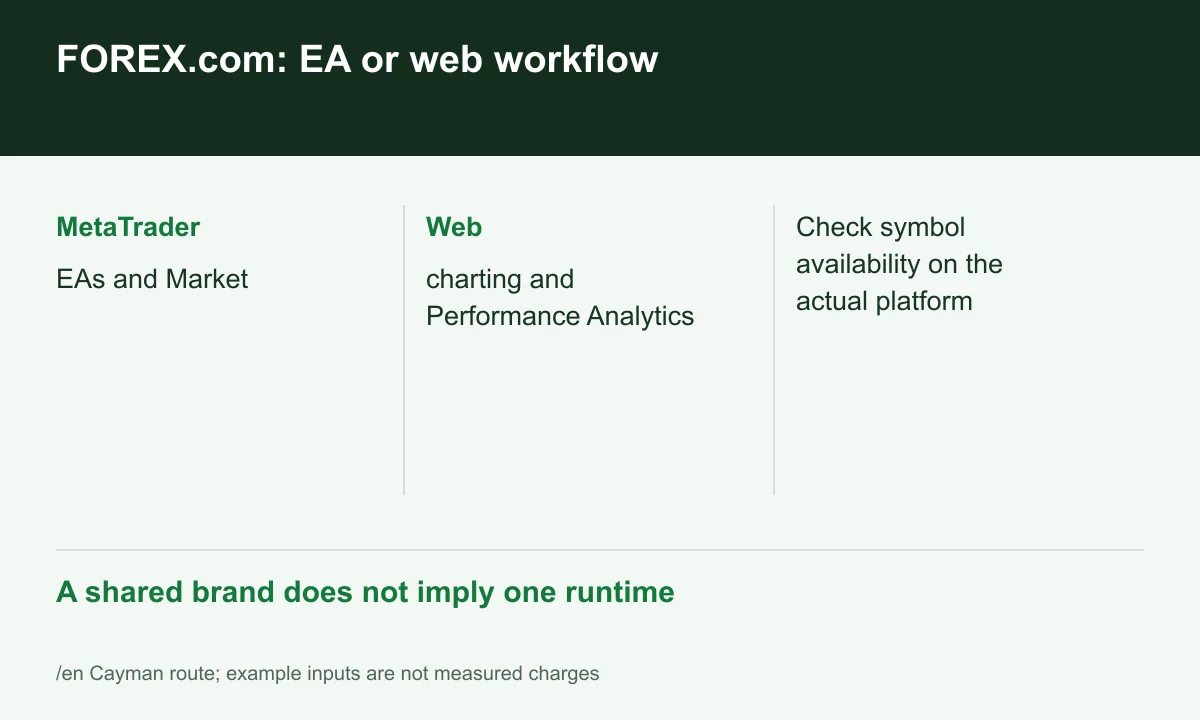
Diagram explained
A shared brand does not imply one runtime
- MetaTrader: EAs and Market
- Web: charting and Performance Analytics
- Check symbol availability on the actual platform
Instrument coverage also differs
The table advertises different market counts across systems. A web watchlist does not establish every symbol on MT5. Check the required symbols, hours and Specification in the intended system.
Sources for this section
Embedded charts and a separate connection
A separate TradingView page sits alongside embedded charting. For standalone TradingView order entry, confirm the connectable account and credentials. Similar-looking charts do not establish connectivity.
Sources for this section
A focused demo plan
Check manual order/amend/close handling, then the EA and execution logs separately. Retain the actual Raw/Standard schedule when comparing history. FINEX has not run that test or established strategy performance.
Sources for this section
Official forex-com source Official forex-com source Official forex-com source
Register for up to 100% trading fee rebates
Rebate details
Contact FINEX to confirm the rebate rate, eligible fees and account conditions before registering. contact@finexbroker.com
Your next step
Sources and scope
Sources are provider publications. Conditions may vary by entity, country, account and program. Recheck before signing up.