FuturesElite Elite: evaluation to payout
Map the Elite evaluation, checkout choices and payout checks before comparing account sizes; distinguish simulated access from a cash deposit.
Start with the named program
Elite is a one-phase evaluation. A quoted account size describes the program, not cash deposited in your name. The terms describe simulated trading unless expressly stated otherwise.
Sources for this section
faq.futureselite.com — official documentation faq.futureselite.com — official documentation faq.futureselite.com — official documentation faq.futureselite.com — official documentation futureselite.com — official documentation
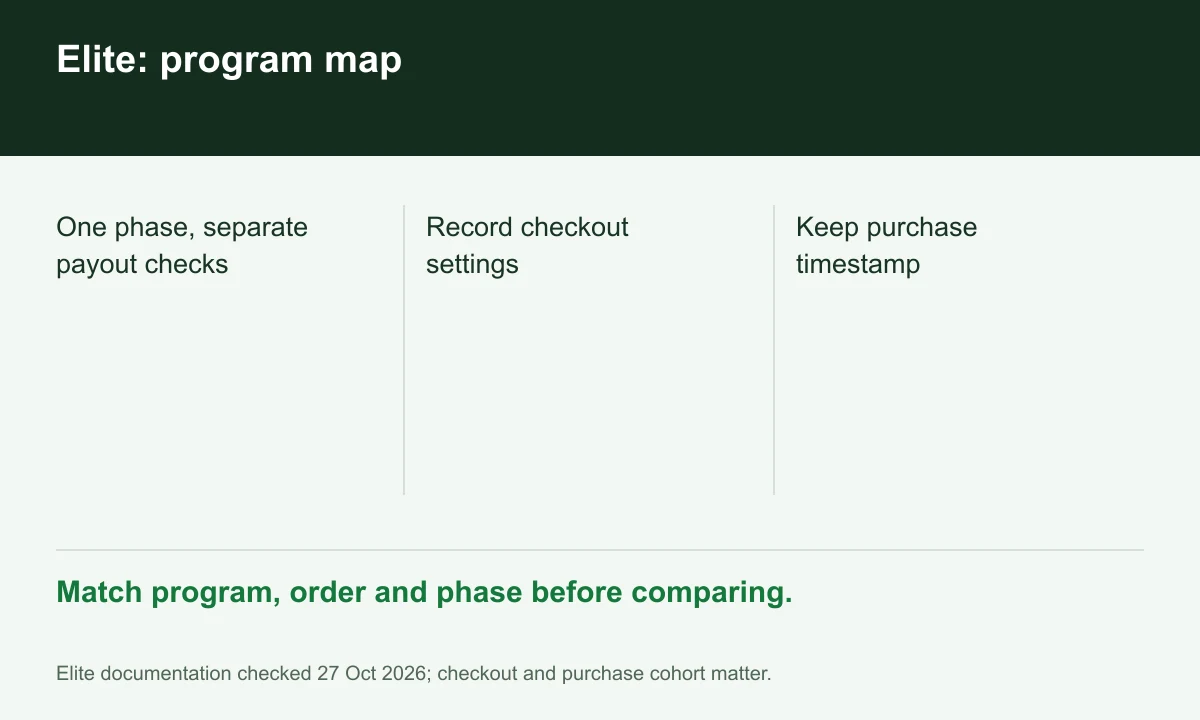
Diagram explained
Match program, order and phase before comparing.
- One phase, separate payout checks
- Record checkout settings
- Keep purchase timestamp
Record two purchase choices
Write down the selected consistency setting and whether the optional daily soft lock was purchased. Compare two offers only after matching both fields; a cheaper configuration can carry a different constraint.
Separate passing from withdrawing
Use separate checklists for evaluation objectives, funded contract scaling and payout eligibility. Reaching a target does not turn the displayed account balance into withdrawable money.
Keep a decision record
Save the order configuration, rule URLs and purchase timestamp together. Check geographic eligibility under the current terms; absence from a country list alone is not approval.
Your next step
Sources and scope
Sources are provider publications. Conditions may vary by entity, country, account and program. Recheck before signing up.