FXCM Desktop: backtest and optimization records
Make FXCM Trading Station Desktop backtests easier to review by recording strategy inputs, test ranges and separate validation, without claiming FINEX tested a strategy.
Use the advertised Desktop feature
FXCM's platform page describes adding automated strategies, backtesting and sortable optimization fields on Desktop. Do not infer identical controls from merely opening the web or mobile interface.
Sources for this section
www.fxcm-markets.com — official documentation www.fxcm-markets.com — official documentation www.fxcm.com — official documentation
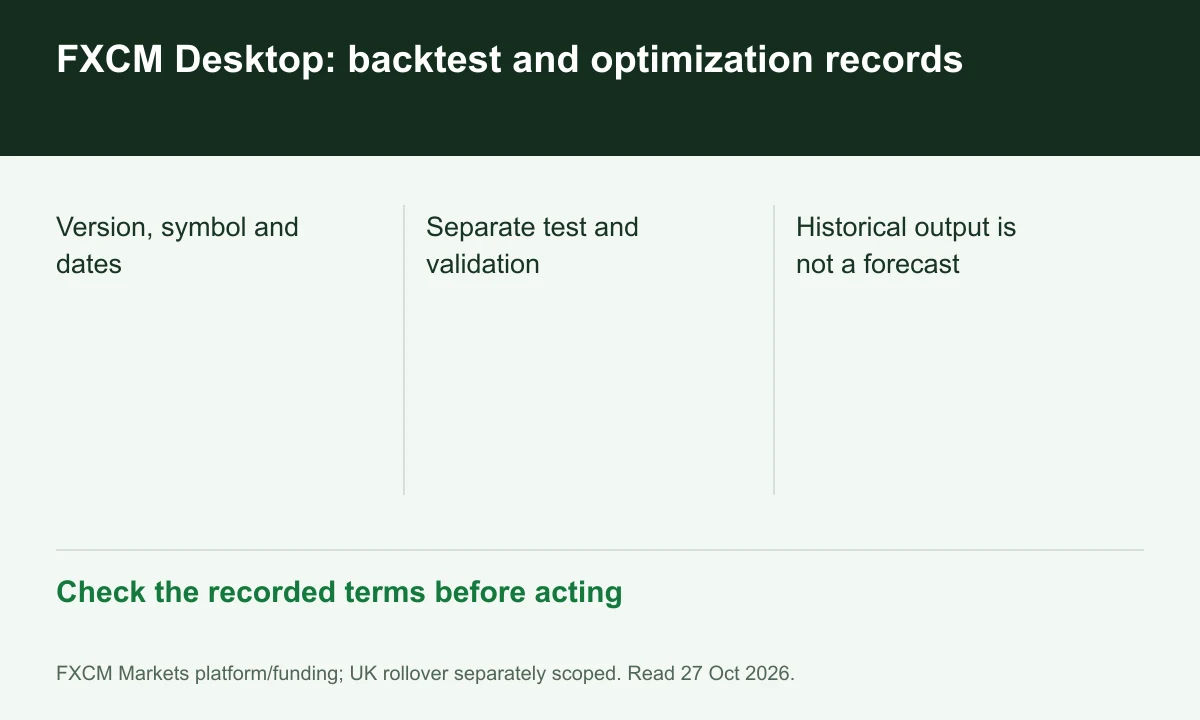
Diagram explained
Check the recorded terms before acting
- Version, symbol and dates
- Separate test and validation
- Historical output is not a forecast
Keep an input snapshot
For a reproducible review, record strategy version, symbol, timeframe, dates and parameter values. A result without these details cannot identify what was actually compared.
Separate selection from validation
Optimization selects among tested parameter combinations. As an analytical practice, reserve a different period for checking the selected settings; historical selection is not evidence of future performance.
Include the execution context
Compare model assumptions with account financing and observed execution conditions. FINEX has not run this software or a live bot; this is a documentation checklist for the advertised feature.
Register for up to 100% trading fee rebates
Rebate details
Contact FINEX to confirm the rebate rate, eligible fees and account conditions before registering. contact@finexbroker.com
Your next step
Sources and scope
Sources are provider publications. Conditions may vary by entity, country, account and program. Recheck before signing up.