FxPro: match the account, platform and Wallet
Start with the required tools, then price the account and money flow within one entity route.
Choose the workflow
The opened comparison covers Standard MT4/5 and cTrader; the TradingView guide requires cTrader. Other international pages advertise more types, so this regional comparison is not the entire worldwide range.
Sources for this section
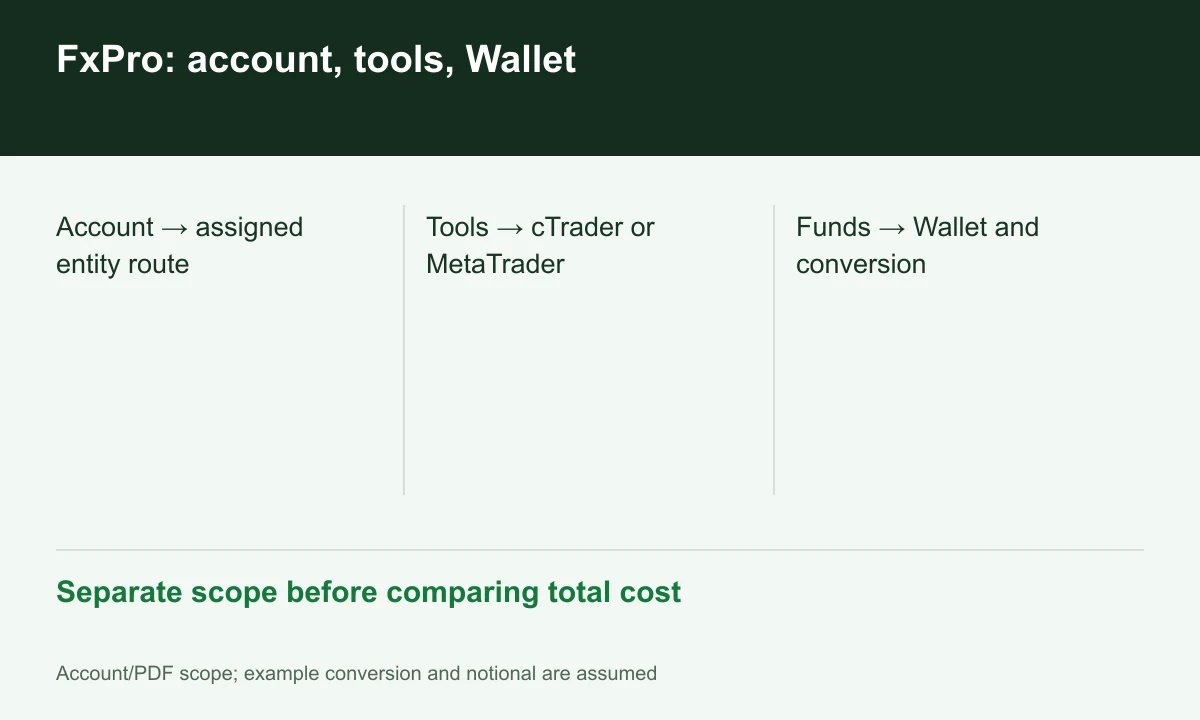
Diagram explained
Separate scope before comparing total cost
- Account → assigned entity route
- Tools → cTrader or MetaTrader
- Funds → Wallet and conversion
Separate spread and commission
Standard uses all-inclusive spread in the table; cTrader FX/metals use USD-million commission. The calculation guide explains base-currency USD notional rather than reading USD 35/million as USD 35/lot.
Sources for this section
Wallet is an intermediate stage
Funding guidance routes transactions through Wallet and warns about conversion to a differently denominated trading account. Inspect both currencies and transfer history rather than only terminal balance.
Sources for this section
Execution claims and evidence
The NDD page describes internal matching and residual hedging, rather than every order going directly outside. Its 2025 statistics are provider data, not FINEX testing or future-fill guarantees.
Sources for this section
Register for up to 100% trading fee rebates
Rebate details
Contact FINEX to confirm the rebate rate, eligible fees and account conditions before registering. contact@finexbroker.com
Your next step
Sources and scope
Sources are provider publications. Conditions may vary by entity, country, account and program. Recheck before signing up.