FxPro TradingView and cTrader: connection versus cBot execution
Distinguish account connectivity from the automation runtime when choosing desktop or web.
TradingView uses a cTrader account
The connection guide requires an FxPro cTrader account before selecting FxPro in Trading Panel. An existing MT4/MT5 account is not automatically connectable merely because it shares a Direct profile.
Sources for this section
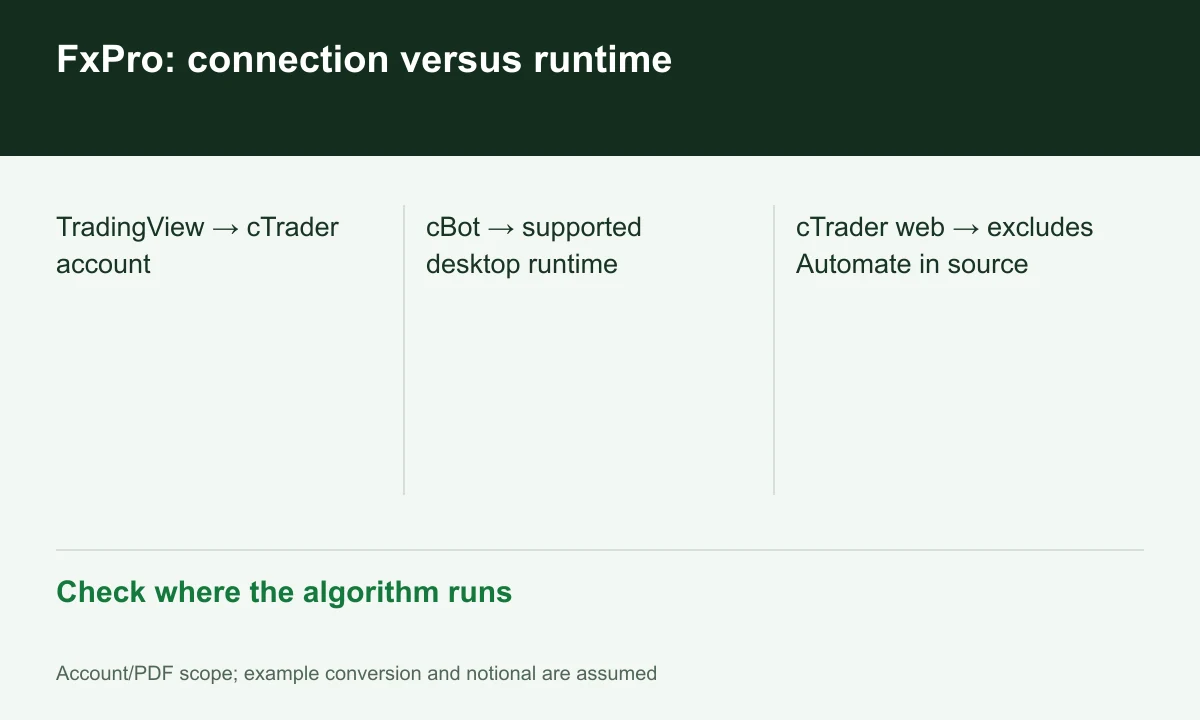
Diagram explained
Check where the algorithm runs
- TradingView → cTrader account
- cBot → supported desktop runtime
- cTrader web → excludes Automate in source
A cBot needs the correct runtime
The desktop cTrader page lists custom cBots, while its web description excludes cTrader Automate. Opening a web chart does not establish server-side bot execution. Identify the runtime and inspect its error logs.
Sources for this section
A three-step validation plan
In demo, connect the correct account, place/amend/close a manual order, then separately validate the cBot in a supported runtime. Inspect behavior after closing the browser or terminal. This is a proposed check, not FINEX test results.
Sources for this section
Official fxpro source Official fxpro source Official fxpro source
Tool access does not replace pricing
The comparison identifies cTrader pricing for this connection; total it by asset and side. Do not treat TradingView subscriptions or VPS service as included in trading commission without confirmation.
Sources for this section
Official fxpro source Official fxpro source Official fxpro source
Register for up to 100% trading fee rebates
Rebate details
Contact FINEX to confirm the rebate rate, eligible fees and account conditions before registering. contact@finexbroker.com
Your next step
Sources and scope
Sources are provider publications. Conditions may vary by entity, country, account and program. Recheck before signing up.