GFF Futures: news window versus holding time
Separate GFF's news-event buffer from its plan-specific holding-time rules, using a pre-session checklist that includes pending orders and account phase.
Identify the news rule by phase
The current news FAQ applies a two-minute high-impact window to funded accounts and also to Daily Payouts evaluation. Other named evaluations have different permission; do not infer funded freedom from evaluation access.
Sources for this section
help.goatfundedfutures.com — official documentation help.goatfundedfutures.com — official documentation help.goatfundedfutures.com — official documentation help.goatfundedfutures.com — official documentation help.goatfundedfutures.com — official documentation help.goatfundedfutures.com — official documentation
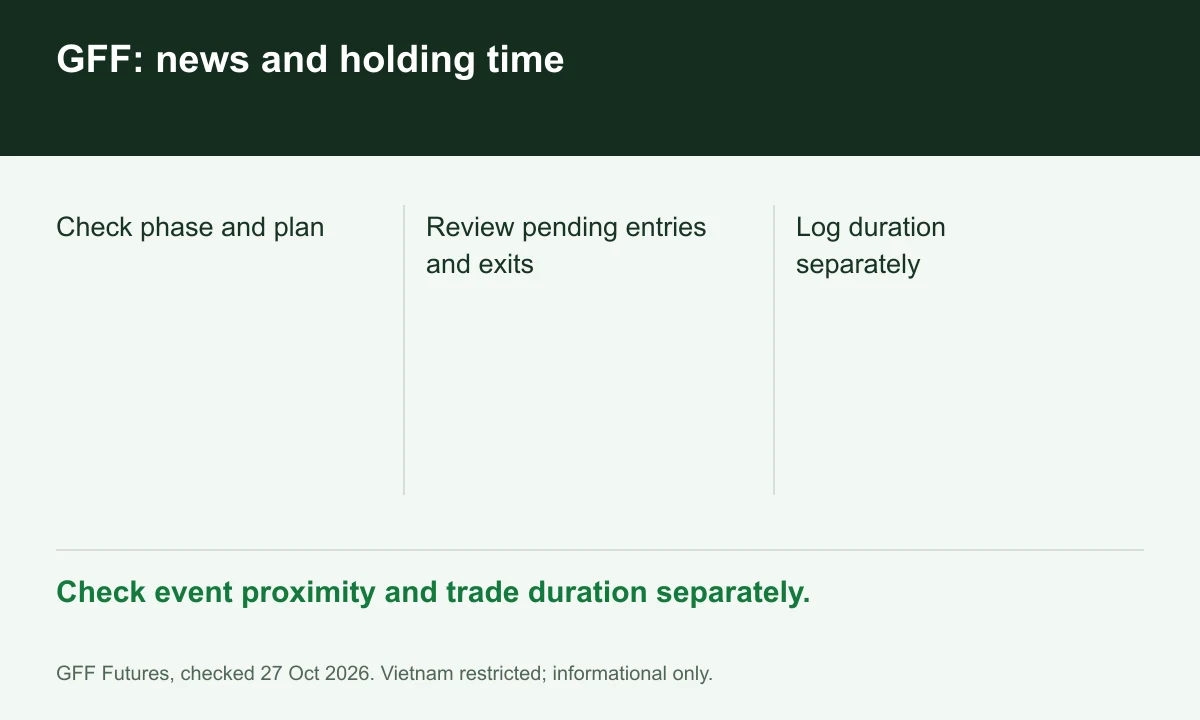
Diagram explained
Check event proximity and trade duration separately.
- Check phase and plan
- Review pending entries and exits
- Log duration separately
Check every order route
Before an event, inspect pending entries and existing exit orders as well as manual trading. The restricted window covers opening, closing and pending-order triggering, not just clicking a new market order.
Sources for this section
help.goatfundedfutures.com — official documentation help.goatfundedfutures.com — official documentation help.goatfundedfutures.com — official documentation help.goatfundedfutures.com — official documentation help.goatfundedfutures.com — official documentation help.goatfundedfutures.com — official documentation
Measure duration separately
EOD's microscalping deduction and Daily Payouts' holding-time payout test are separate mechanisms. Keep duration and event proximity in different journal columns; passing one test does not establish the other.
Sources for this section
help.goatfundedfutures.com — official documentation help.goatfundedfutures.com — official documentation help.goatfundedfutures.com — official documentation help.goatfundedfutures.com — official documentation help.goatfundedfutures.com — official documentation help.goatfundedfutures.com — official documentation
Preserve timestamps
For a disputed execution, retain instrument, scheduled event, platform timestamps and order IDs. Ask support to identify the exact plan clause. This is an information workflow; Vietnam is restricted.
Sources for this section
help.goatfundedfutures.com — official documentation help.goatfundedfutures.com — official documentation help.goatfundedfutures.com — official documentation help.goatfundedfutures.com — official documentation help.goatfundedfutures.com — official documentation help.goatfundedfutures.com — official documentation
Your next step
Sources and scope
Sources are provider publications. Conditions may vary by entity, country, account and program. Recheck before signing up.
- help.goatfundedfutures.com — official documentation
- help.goatfundedfutures.com — official documentation
- help.goatfundedfutures.com — official documentation
- help.goatfundedfutures.com — official documentation
- help.goatfundedfutures.com — official documentation
- help.goatfundedfutures.com — official documentation