HYCM Fixed: MT4/MT5 access does not mean EA permission
Start with account permission before checking EA code and terminal features.
Account permission comes first
The current table gives Fixed EA permission as No and Classic/Raw as Yes, while Fixed still lists MT4/MT5. Technical terminal capability is not permission on every account.
Sources for this section
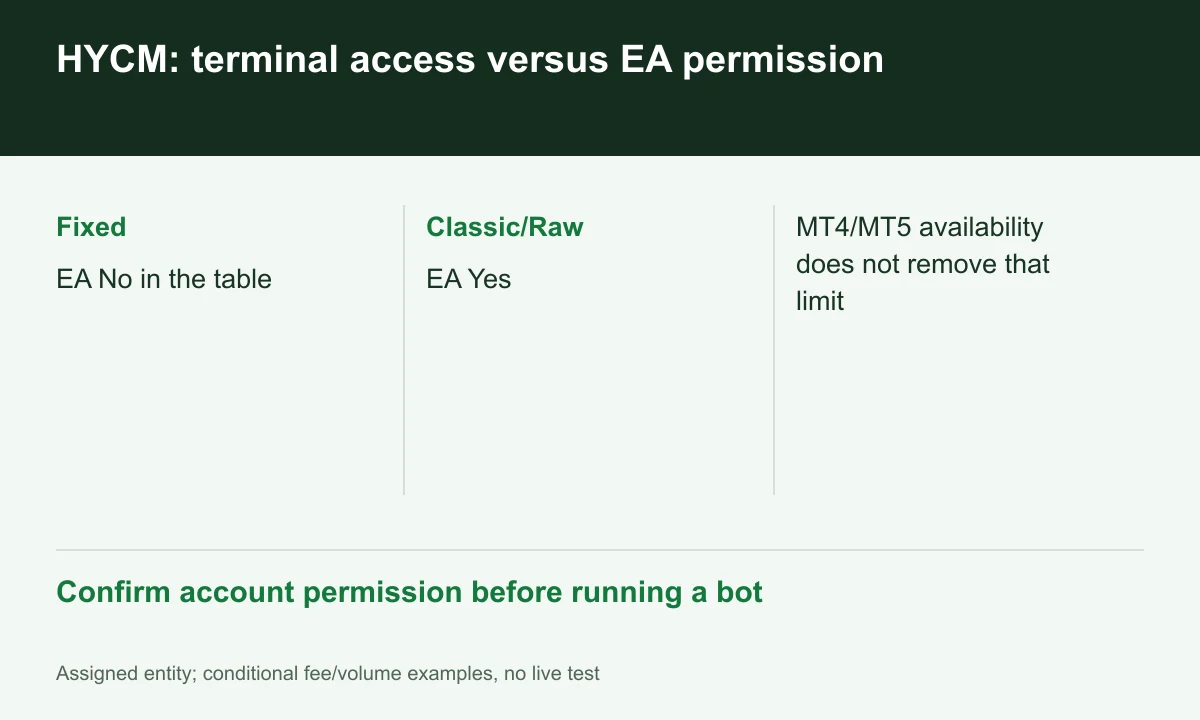
Diagram explained
Confirm account permission before running a bot
- Fixed: EA No in the table
- Classic/Raw: EA Yes
- MT4/MT5 availability does not remove that limit
Choose around existing software
For an existing MT4 EA, establish account permission, then version and symbol compatibility. Do not choose Fixed for budget predictability and assume the EA is permitted.
Sources for this section
Official hycm source Official hycm source Official hycm source
An EA does not automatically migrate
MT4 and MT5 have separate platform routes. Check code/runtime, server and order logs in demo. The sources do not establish identical EA behavior after migration or profitability.
Sources for this section
Pricing after permission is established
Classic lists no commission and Raw per-round charges. Equal EA permission does not mean equal total cost. Confirm account, instrument and volume basis before comparing a bot’s costs.
Sources for this section
Official hycm source Official hycm source Official hycm source
Register for up to 100% trading fee rebates
Rebate details
Contact FINEX to confirm the rebate rate, eligible fees and account conditions before registering. contact@finexbroker.com
Your next step
Sources and scope
Sources are provider publications. Conditions may vary by entity, country, account and program. Recheck before signing up.