OKX Large Withdrawal Protection: understand the cumulative threshold
Understand OKX's personal cumulative withdrawal threshold, covered channels and different API versus web/app verification routes when protection triggers.
A personal threshold is not an account entitlement
Large Withdrawal Protection adds a user-set verification threshold for eligible verified main accounts. It does not increase the platform's permitted withdrawal limit or remove compliance checks. Confirm feature availability and the account's real limits separately.
Sources for this section
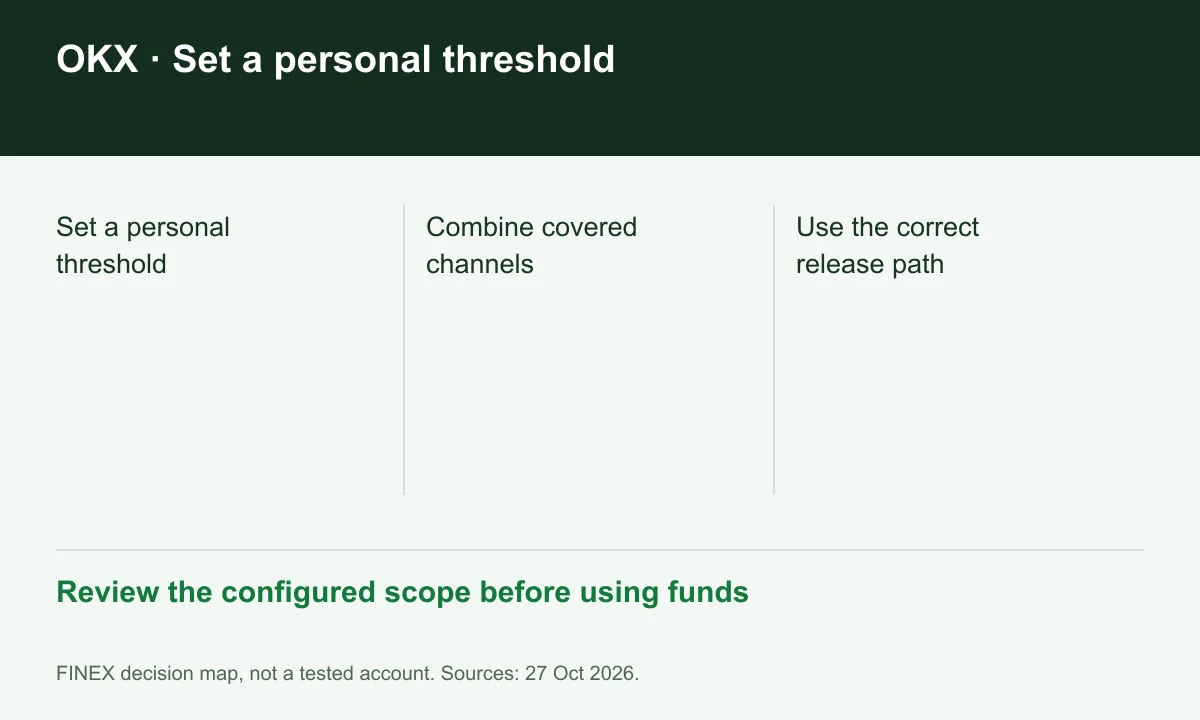
Diagram explained
Review the configured scope before using funds
- Set a personal threshold
- Combine covered channels
- Use the correct release path
Add covered channels together
The published scope combines on-chain, P2P selling, API outflows and Pay balance top-up. Hypothetically, two covered outflows can cross a personal threshold even if neither does so alone. Use an outflow ledger across channels instead of looking only at the current request.
Sources for this section
API and manual release paths differ
OKX says an API request that triggers this protection cannot resume through facial verification inside the API. Review the documented web/app route or permitted threshold adjustment. Do not repeatedly resubmit the same automated request expecting it to clear a security rule.
Sources for this section
Read alerts in the context of other locks
An active Offline Mode window can block an outflow before threshold verification is offered. An unexpected settings-change alert deserves a check through the official account interface. Record the reason shown; threshold protection, security-change holds and network maintenance require different responses.
Sources for this section
www.okx.com — official documentation www.okx.com — official documentation
Register for up to 100% trading fee rebates
Rebate details
Contact FINEX to confirm the rebate rate, eligible fees and account conditions before registering. contact@finexbroker.com
Your next step
Sources and scope
Sources are provider publications. Conditions may vary by entity, country, account and program. Recheck before signing up.