OKX Offline Mode: set a withdrawal protection window
Plan an OKX Offline Mode window, check covered outflow channels and the saved timezone, and understand why facial verification cannot bypass it.
Use a time window when you expect no outflows
Offline Mode blocks supported withdrawal channels during your configured protection window. It is suitable for a planned period away from the account, provided you can wait for the window to end. Check current identity-verification and app requirements in your account.
Sources for this section
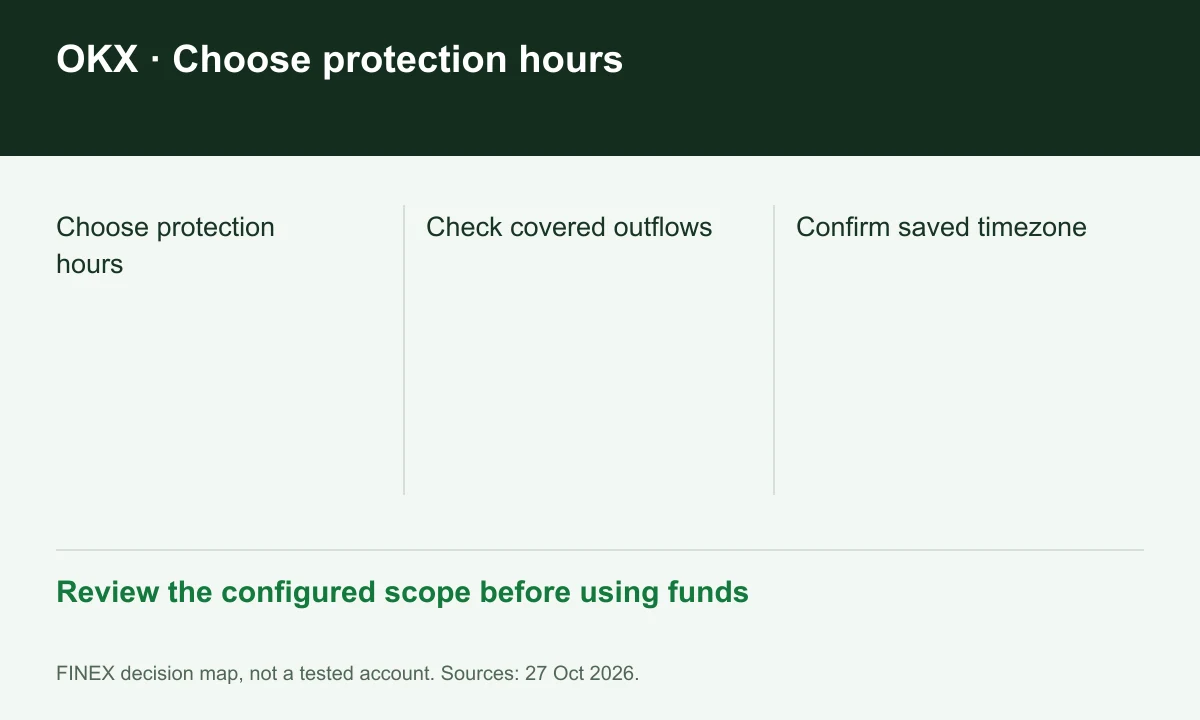
Diagram explained
Review the configured scope before using funds
- Choose protection hours
- Check covered outflows
- Confirm saved timezone
Check the channels before scheduling
OKX lists on-chain withdrawals, P2P selling and API withdrawals within Offline Mode's scope. A background automation may therefore fail during the same window as a manual withdrawal. List scheduled outflows alongside the time setting before enabling it.
Sources for this section
Do not expect a facial check to bypass the window
The Offline Mode guide says its active window cannot be edited or disabled and facial authentication does not bypass it. Large Withdrawal Protection is a separate threshold control. Identify which rule blocked an action before trying to resolve it.
Sources for this section
www.okx.com — official documentation www.okx.com — official documentation
Record the timezone
The setup uses the device timezone at initial configuration; a later device-timezone change does not automatically rewrite the protection window. Before travel, compare the saved setting with local time. Security-change holds and other account restrictions can still apply outside that window.
Sources for this section
Register for up to 100% trading fee rebates
Rebate details
Contact FINEX to confirm the rebate rate, eligible fees and account conditions before registering. contact@finexbroker.com
Your next step
Sources and scope
Sources are provider publications. Conditions may vary by entity, country, account and program. Recheck before signing up.