PU Prime MT5 or Web Trader: choose your order workflow
Separate account permissions from software and check EAs before switching.
Choose by the task
Web Trader is presented for browser access; MT5 offers downloadable software and EA tools. Browser access can help when changing computers, while an existing automated program requires a compatible execution environment first.
Sources for this section
Official PU Prime source Official PU Prime source Official PU Prime source Official PU Prime source
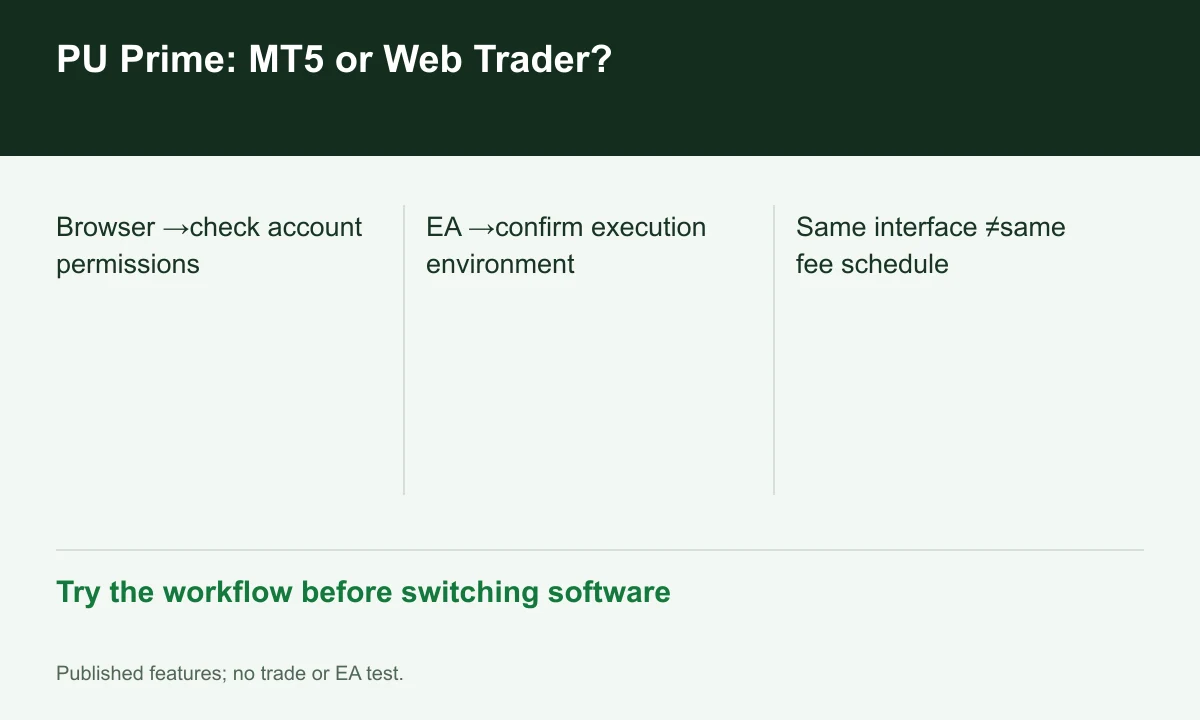
Diagram explained
Try the workflow before switching software
- Browser →check account permissions
- EA →confirm execution environment
- Same interface ≠same fee schedule
The account still determines pricing
The account table lists MT4/MT5, PU Web Trader and the app across Standard, Prime, ECN and Cent. Similar interfaces do not make Prime pricing applicable to Cent or ECN. Match account type and base currency before interpreting balance, lots and commission.
Sources for this section
Official PU Prime source Official PU Prime source Official PU Prime source Official PU Prime source
A useful demo task
On the intended environment, locate the instrument, inspect contract value, then try amending a stop and partial closing where supported. For an EA, inspect permissions and logs separately. FINEX has not performed this test or established identical EA behavior in a browser.
Sources for this section
Official PU Prime source Official PU Prime source Official PU Prime source Official PU Prime source
Check both account and agreement
A free download does not remove published spreads, commissions or administrative charges. The legal hub covers several companies and third-party software terms. Check the agreement actually issued; website access does not establish service eligibility at your residence.
Sources for this section
Official PU Prime source Official PU Prime source Official PU Prime source Official PU Prime source
Register for up to 100% trading fee rebates
Rebate details
Contact FINEX to confirm the rebate rate, eligible fees and account conditions before registering. contact@finexbroker.com
Your next step
Sources and scope
Sources are provider publications. Conditions may vary by entity, country, account and program. Recheck before signing up.