TradeDay: pause trading during Fast Pass payout
Use TradeDay's session clock to determine when Fast Pass trading and the next qualifying-day cycle can restart after a payout request and receipt.
Pause from the request
Fast Pass instructs traders not to resume trading after submitting a payout request until payment is received. Record request and receipt timestamps separately; an approved dashboard status is not a substitute for the stated receipt condition.
Sources for this section
tradeday.freshdesk.com — official documentation tradeday.freshdesk.com — official documentation tradeday.freshdesk.com — official documentation tradeday.freshdesk.com — official documentation tradeday.freshdesk.com — official documentation TradeDay — Fast Pass Funded Sim Payout Policy
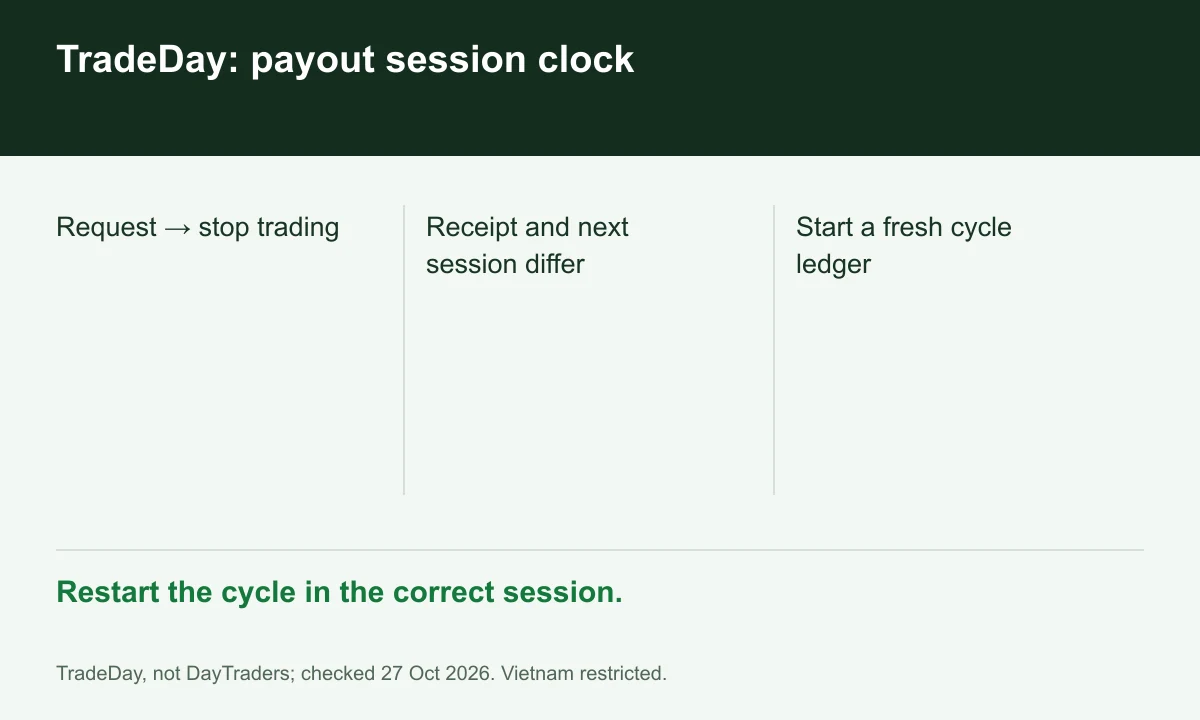
Diagram explained
Restart the cycle in the correct session.
- Request → stop trading
- Receipt and next session differ
- Start a fresh cycle ledger
Use a session rather than midnight
The FAQ starts the next qualifying Day 1 in the following trading session, not the session containing receipt. Keep CT session labels alongside local time so a midnight date change does not create a false new day.
Sources for this section
tradeday.freshdesk.com — official documentation tradeday.freshdesk.com — official documentation tradeday.freshdesk.com — official documentation tradeday.freshdesk.com — official documentation tradeday.freshdesk.com — official documentation TradeDay — Fast Pass Funded Sim Payout Policy
Work a fresh timing example
Hypothetical payment arrives Friday morning CT during Friday's session. Under the following-session instruction, the new cycle begins with the next scheduled trading session, subject to holidays; do not count Friday again.
Sources for this section
tradeday.freshdesk.com — official documentation tradeday.freshdesk.com — official documentation tradeday.freshdesk.com — official documentation tradeday.freshdesk.com — official documentation tradeday.freshdesk.com — official documentation TradeDay — Fast Pass Funded Sim Payout Policy
Reconcile balance and journal
Before restarting, record post-payment balance, current drawdown floor and the new cycle's first session. Keep the payment receipt with the journal if a day-count dispute arises. Vietnam remains on TradeDay's prohibited list.
Sources for this section
tradeday.freshdesk.com — official documentation tradeday.freshdesk.com — official documentation tradeday.freshdesk.com — official documentation tradeday.freshdesk.com — official documentation tradeday.freshdesk.com — official documentation TradeDay — Fast Pass Funded Sim Payout Policy
Your next step
Sources and scope
Sources are provider publications. Conditions may vary by entity, country, account and program. Recheck before signing up.