AvaTrade withdrawals: source return and status checks
Use AvaTrade's Finance or WebTrader withdrawal route, understand original-source priority, and separate its processing estimate from actual receipt by your bank.
Choose the right menu
The help page gives Finance → Withdraw your funds in the account area, or Payments → Withdrawal in WebTrader. Keep the request reference after submitting the form.
Sources for this section
support.avatrade.com — official documentation support.avatrade.com — official documentation support.avatrade.com — official documentation support.avatrade.com — official documentation www.avatrade.com — official documentation www.avatrade.com — official documentation
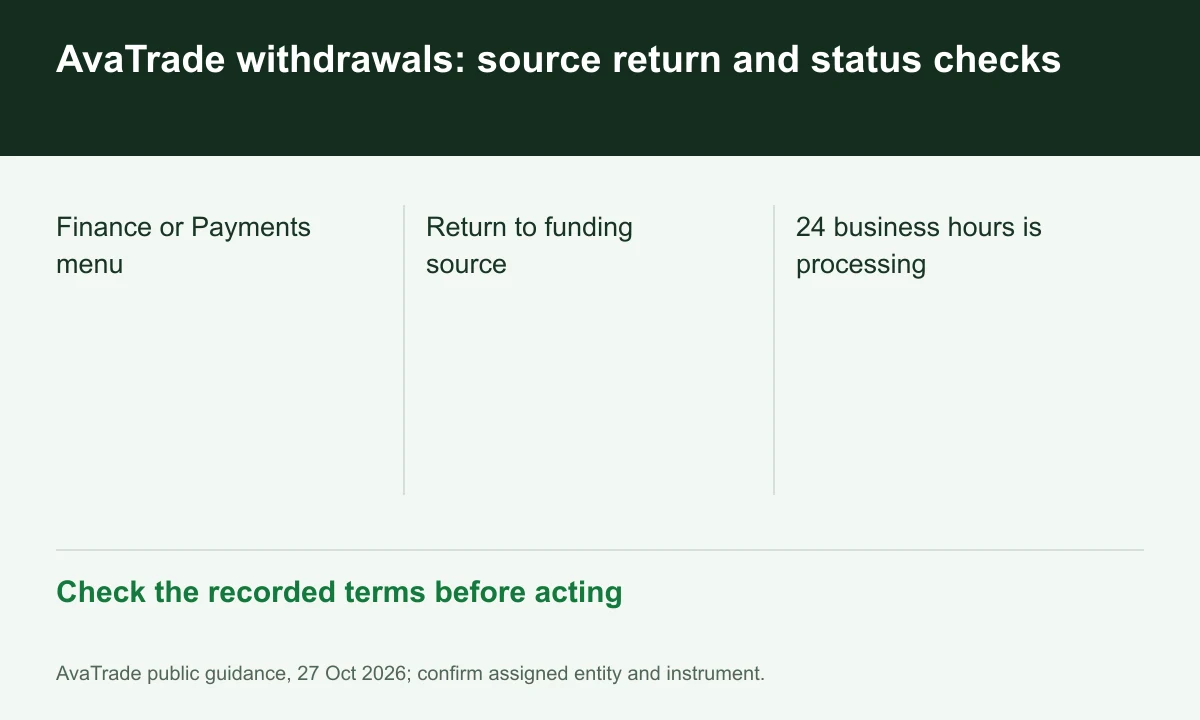
Diagram explained
Check the recorded terms before acting
- Finance or Payments menu
- Return to funding source
- 24 business hours is processing
Check original-source priority
The methods FAQ returns funds to the original funding source where possible. Do not replace a closed source with another person's account; supported alternatives must be in your name.
Handle unavailable methods explicitly
When original-source return is impossible, the FAQ points to supported bank or electronic methods shown in the account. Ask support to confirm the replacement rather than submitting repeated different destinations.
Measure processing and receipt separately
The request article states 24 business hours for processing and requires full verification. It does not establish instant bank credit; preserve submission, approval and receipt times separately.
Register for up to 100% trading fee rebates
Rebate details
Contact FINEX to confirm the rebate rate, eligible fees and account conditions before registering. contact@finexbroker.com
Your next step
Sources and scope
Sources are provider publications. Conditions may vary by entity, country, account and program. Recheck before signing up.