Blue Guardian Futures: account-model guide
Map Blue Guardian Futures models and stages without borrowing CFD rules; compare model-specific drawdown and payout gates while retaining country restrictions.
Start with Futures identity
This guide covers helpfutures.blueguardian.com, not the CFD rulebook. Its current introduction lists Vietnam as restricted. Model comparisons here are informational and do not invite registration from a restricted country.
Sources for this section
helpfutures.blueguardian.com — official documentation helpfutures.blueguardian.com — official documentation helpfutures.blueguardian.com — official documentation helpfutures.blueguardian.com — official documentation
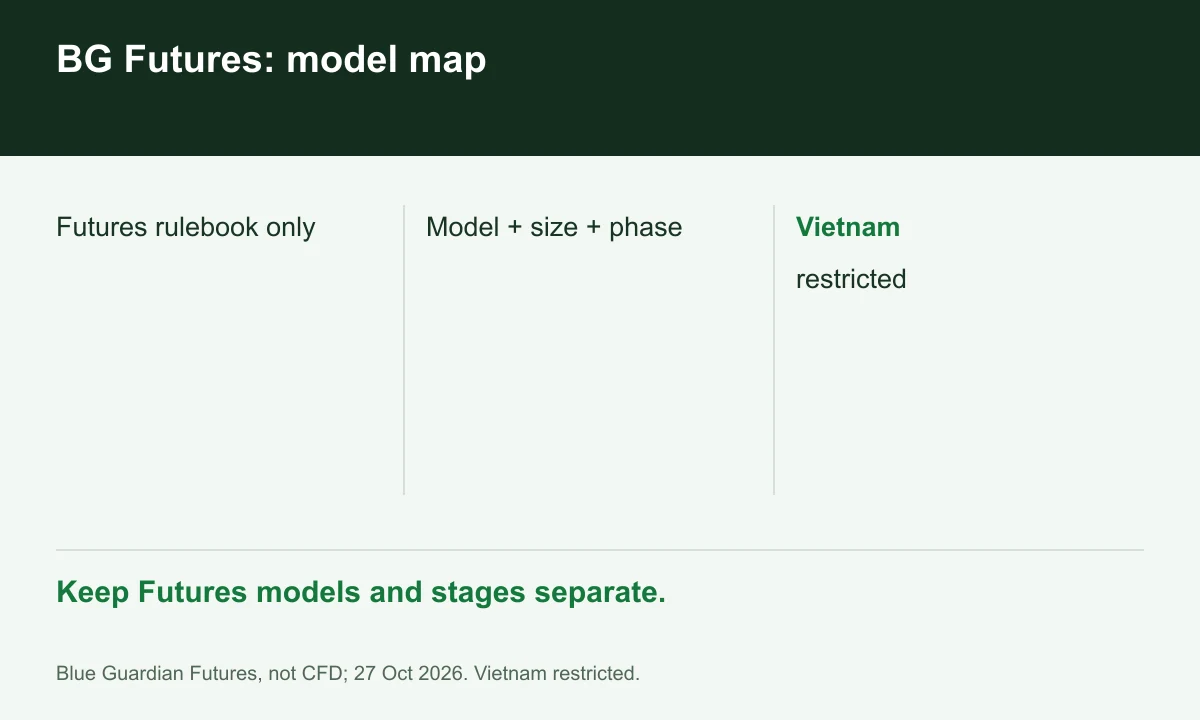
Diagram explained
Keep Futures models and stages separate.
- Futures rulebook only
- Model + size + phase
- Vietnam: restricted
Name the model before a number
The introduction distinguishes Standard, Reserve, Express and Direct. A payout headline without that model label is incomplete. Start a comparison sheet with model, size and phase before adding any limits.
Separate simulation from Live
The Live FAQ distinguishes real CME execution from evaluation and funded accounts. An advertised funded size is not a cash deposit. Record the actual stage rather than treating the word 'funded' as proof of live execution.
Build a complete decision card
For one model, record loss-floor behavior, payout prerequisites, identity checks and any review discretion. Leave unresolved fields blank with a support question instead of importing a favorable rule from another model.
Your next step
Sources and scope
Sources are provider publications. Conditions may vary by entity, country, account and program. Recheck before signing up.