D Prime Cent: convert USC and cent lots before trading
A larger cent balance does not increase capital; separate currency units, contract units and Wallet withdrawals.
500 USC represents USD 5
About Cent, updated 9 October 2026, illustrates USD 5 as 500 USC and states one standard lot equals 100 cent lots. These are separate conversions for balance and volume. Do not use the displayed USC number directly as USD in a loss limit.
Sources for this section
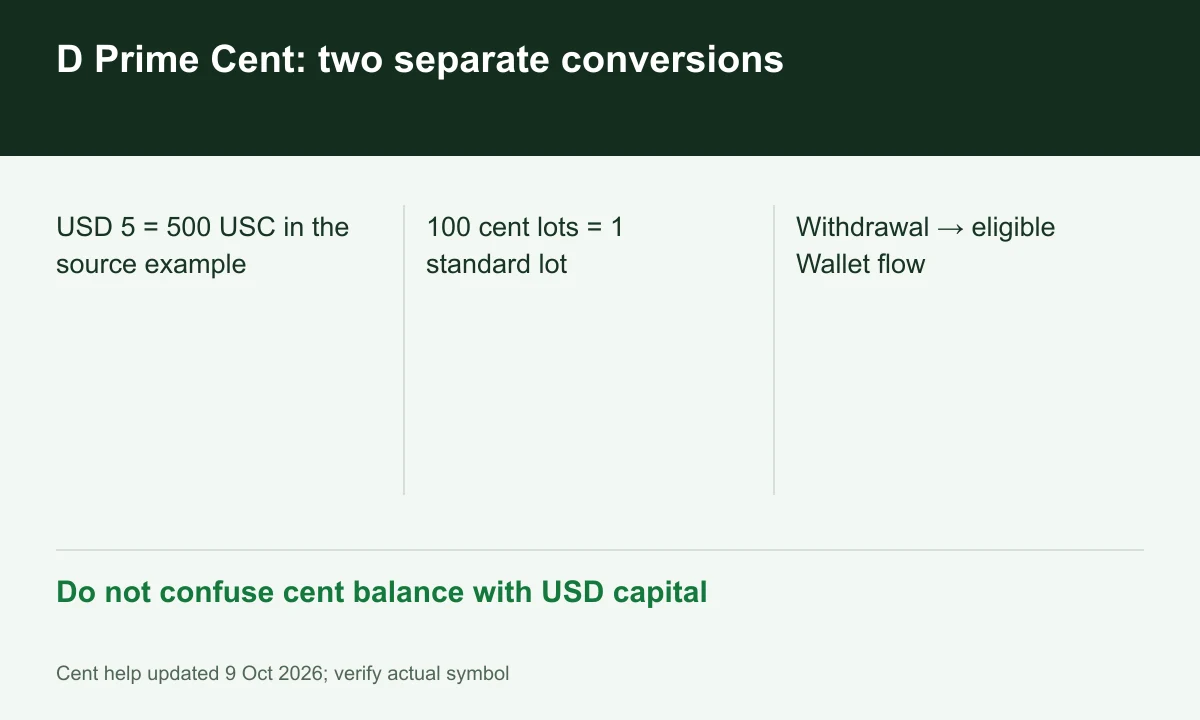
Diagram explained
Do not confuse cent balance with USD capital
- USD 5 = 500 USC in the source example
- 100 cent lots = 1 standard lot
- Withdrawal → eligible Wallet flow
A small-volume example
At that ratio, 0.01 cent lot equals 0.0001 standard lot. With an assumed 100,000 base-unit FX standard contract, that is 10 base units. Apply the result only after Specification confirms contract size, tick value and minimum volume for the symbol.
Sources for this section
Entry capital is not the only difference
The current help pages give no initial minimum for Cent/STP and USD 100 for ECN. Cent lists Forex/metals/commodities, narrower than the STP/ECN descriptions. A zero initial funding threshold does not establish that every instrument is tradable with a few dollars.
Sources for this section
Terminal balance and withdrawal are different stages
The withdrawal guide requires Wallet-originated withdrawals after payment-detail approval, with method-specific minima and fees. A Cent terminal balance is therefore not automatically an immediately withdrawable amount. Check currencies in both trading account and Wallet.
Sources for this section
Register for up to 100% trading fee rebates
Rebate details
Contact FINEX to confirm the rebate rate, eligible fees and account conditions before registering. contact@finexbroker.com
Your next step
Sources and scope
Sources are provider publications. Conditions may vary by entity, country, account and program. Recheck before signing up.