D Prime netting and hedging: what does an opposite trade do?
Track net volume when changing position mode while keeping account and symbol identity separate.
Netting maintains one position per symbol
The Netting FAQ describes consolidating same-instrument trades into one position; opposing trades offset rather than remain as separate opposing positions. Current STP/ECN pages list hedging as applicable. This does not establish identical default modes for every issued account.
Sources for this section
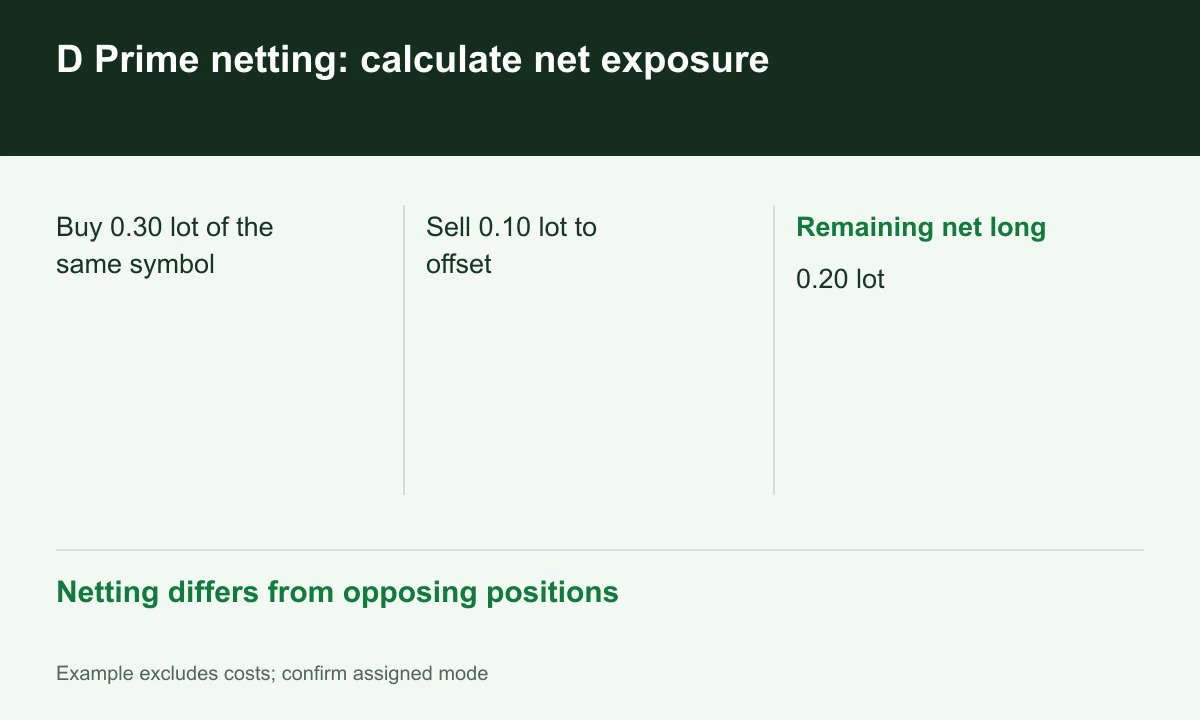
Diagram explained
Netting differs from opposing positions
- Buy 0.30 lot of the same symbol
- Sell 0.10 lot to offset
- Remaining net long: 0.20 lot
A buy followed by a partial sell
Suppose a netting account is long 0.30 lot and sells 0.10 of the same symbol: the remaining net long is 0.20. A hedging workflow that opens a separate position can retain long 0.30 and short 0.10; the closing instruction matters. This example excludes fees and slippage.
Sources for this section
An EA must distinguish positions from orders
An EA using ticket counts or individual position stops needs review under netting because multiple deals can form one position. In demo, inspect volume after the two buy/sell steps and reconcile deal history. FINEX has not performed that test on the reader’s behalf.
Sources for this section
Position mode and account family are separate axes
D Prime separately describes an Exchange Traded Account for HK/US/AU equities. That article does not establish netting availability for all equities or clients. Confirm account family, position mode and symbol conditions in the issued account before migrating a system.
Sources for this section
Register for up to 100% trading fee rebates
Rebate details
Contact FINEX to confirm the rebate rate, eligible fees and account conditions before registering. contact@finexbroker.com
Your next step
Sources and scope
Sources are provider publications. Conditions may vary by entity, country, account and program. Recheck before signing up.