FXT symbol suffixes: match the account and server
The same market can use different FXT symbols by account and region; the exact symbol shown in the signed-in account takes priority over an old table.
A suffix identifies a product route
The suffix guide lists .sd for current Standard variants and .pro for Raw Spread in its regular-account table. These are instrument names, not permission to alter the account login itself.
Sources for this section
Official programme, eligibility or contract source Official programme, eligibility or contract source
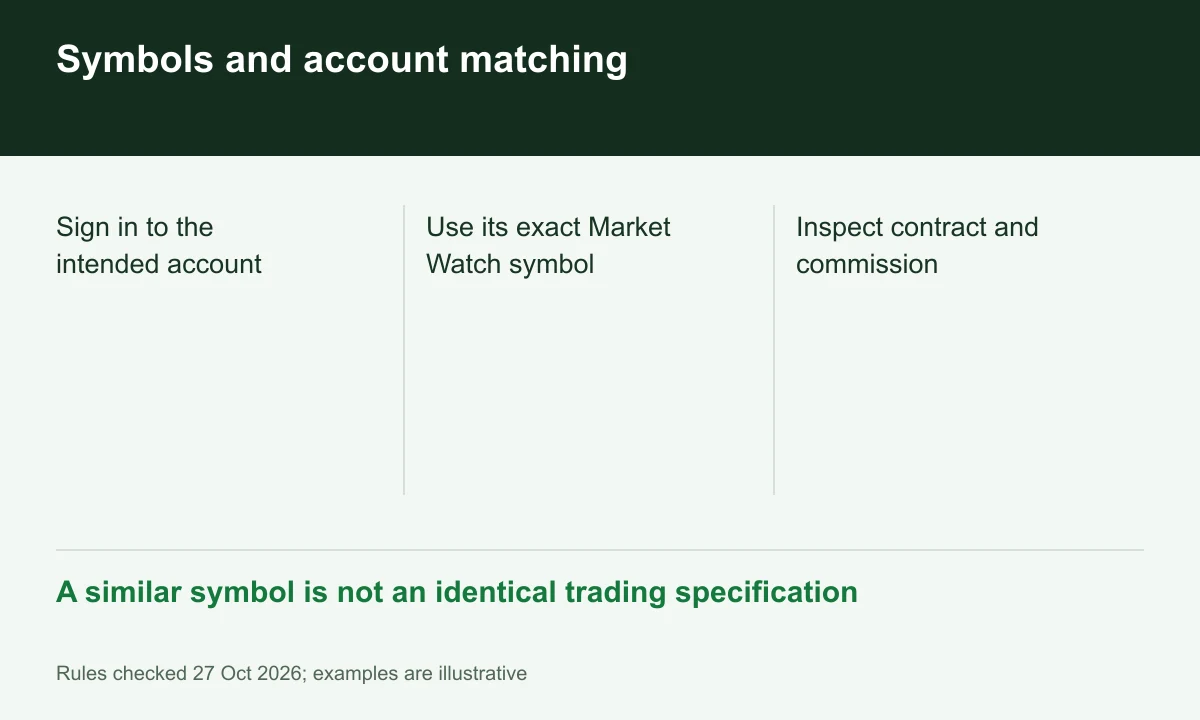
Diagram explained
A similar symbol is not an identical trading specification
- Sign in to the intended account
- Use its exact Market Watch symbol
- Inspect contract and commission
Australia has a scoped table
The Australian Standard table uses .fxt and lists a narrower instrument range than the regular table. Legal residence and the accepted entity still determine account scope; a suffix alone is not legal classification.
Sources for this section
Official programme, eligibility or contract source Official programme, eligibility or contract source
Check the logged-in specification
For an illustrative EURUSD.sd versus EURUSD.pro comparison, first select the intended account and server, then inspect that symbol’s contract size and commission. Copying another account’s symbol may fail or describe different costs.
Resolve missing instruments without assumptions
The guide says suffixes vary with server, region and current configuration. If a symbol is absent, confirm availability rather than assuming the platform must expose every market in the public table.
Sources for this section
Register for up to 100% trading fee rebates
Rebate details
Contact FINEX to confirm the rebate rate, eligible fees and account conditions before registering. contact@finexbroker.com
Your next step
Sources and scope
Sources are provider publications. Conditions may vary by entity, country, account and program. Recheck before signing up.