Lark 1-Step MAX: setup loss and stage consequences
Work through Lark's fixed one-percent setup-loss example and the difference between evaluation soft breaches and the funded stage's immediate hard breach.
The amount stays fixed
The MAX article defines the setup limit as 1% and says its example amount stays fixed when balance changes. Confirm the original account basis rather than recalculating a larger allowance after profit.
Sources for this section
helpdesk.larkfunding.com — official documentation helpdesk.larkfunding.com — official documentation helpdesk.larkfunding.com — official documentation helpdesk.larkfunding.com — official documentation helpdesk.larkfunding.com — official documentation helpdesk.larkfunding.com — official documentation
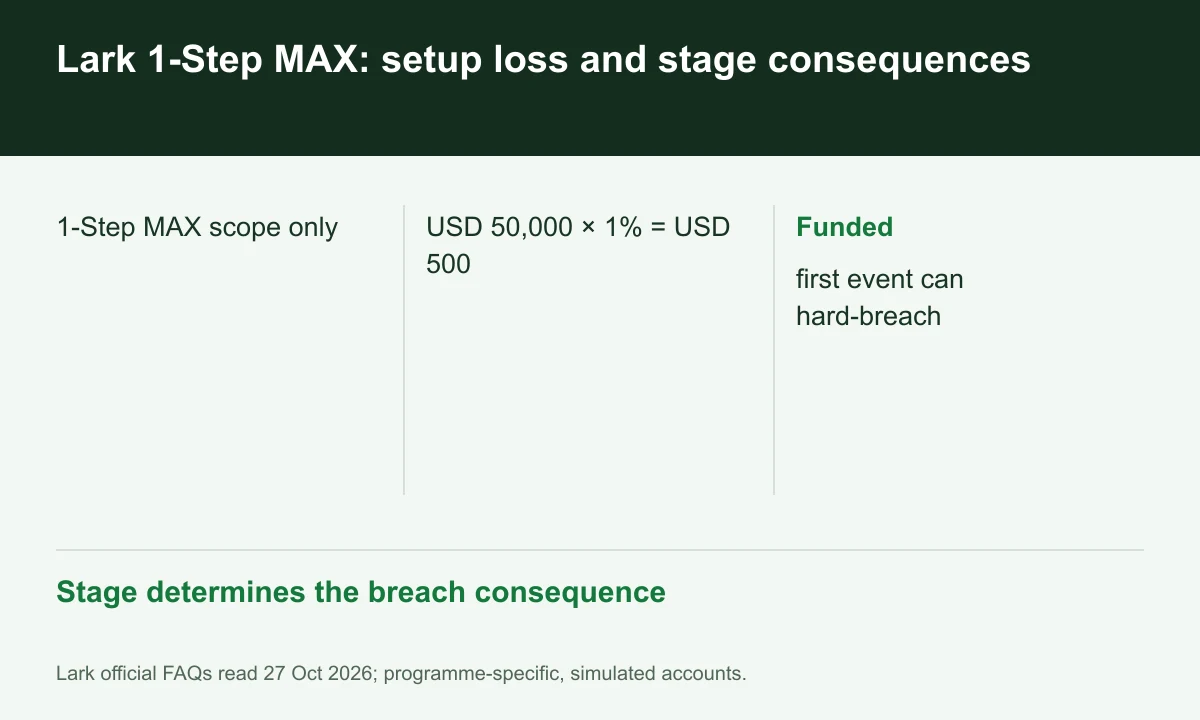
Diagram explained
Stage determines the breach consequence
- 1-Step MAX scope only
- USD 50,000 × 1% = USD 500
- Funded: first event can hard-breach
Use a hypothetical starting size
For a hypothetical initial USD 50,000 MAX account, one percent is USD 500. Later gains do not automatically turn that example into a percentage of the new larger balance.
Sources for this section
helpdesk.larkfunding.com — official documentation helpdesk.larkfunding.com — official documentation helpdesk.larkfunding.com — official documentation helpdesk.larkfunding.com — official documentation helpdesk.larkfunding.com — official documentation helpdesk.larkfunding.com — official documentation
Evaluation and funded consequences differ
The FAQ allows two evaluation soft breaches, with a third causing failure on review. In funded MAX accounts, the first occurrence is a hard breach.
Sources for this section
helpdesk.larkfunding.com — official documentation helpdesk.larkfunding.com — official documentation helpdesk.larkfunding.com — official documentation helpdesk.larkfunding.com — official documentation helpdesk.larkfunding.com — official documentation helpdesk.larkfunding.com — official documentation
Include charges and grouped setups
The article asks for a buffer because commission and swap can be reflected differently. The separate setup definition can group related entries, so ticket-by-ticket losses may understate setup loss.
Sources for this section
helpdesk.larkfunding.com — official documentation helpdesk.larkfunding.com — official documentation helpdesk.larkfunding.com — official documentation helpdesk.larkfunding.com — official documentation helpdesk.larkfunding.com — official documentation helpdesk.larkfunding.com — official documentation
Your next step
Sources and scope
Sources are provider publications. Conditions may vary by entity, country, account and program. Recheck before signing up.