Lark Funding: simulation, access and programme scope
Read Lark Funding's simulated-account framework and payment-provider eligibility alongside programme-specific loss rules, drawdown locks and add-on timing.
All phases use virtual funds
The real-funds FAQ says every phase is a demo account and clients never access live capital. Simulated Funded describes a programme stage, not money deposited in the trader's name.
Sources for this section
helpdesk.larkfunding.com — official documentation helpdesk.larkfunding.com — official documentation helpdesk.larkfunding.com — official documentation helpdesk.larkfunding.com — official documentation helpdesk.larkfunding.com — official documentation helpdesk.larkfunding.com — official documentation
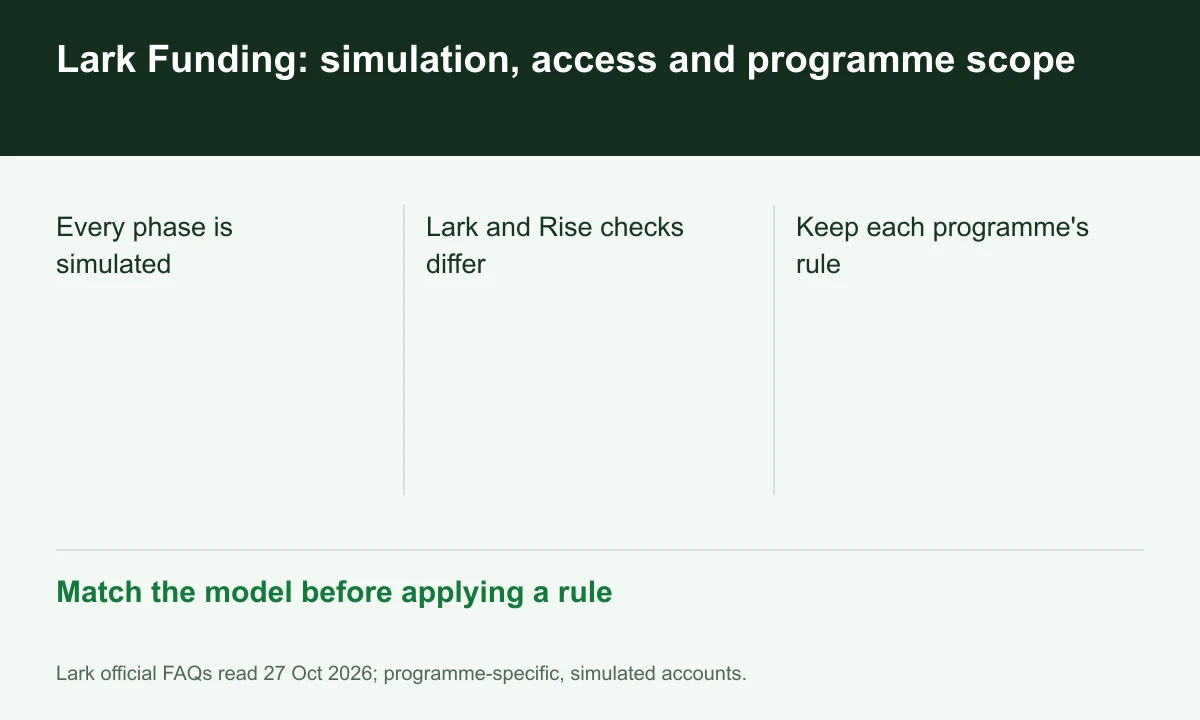
Diagram explained
Match the model before applying a rule
- Every phase is simulated
- Lark and Rise checks differ
- Keep each programme's rule
Eligibility has a payment layer
Lark's country page lists its own exclusions and separately asks users to check Rise regional support. Omission from Lark's list does not establish successful payment onboarding.
Sources for this section
helpdesk.larkfunding.com — official documentation helpdesk.larkfunding.com — official documentation helpdesk.larkfunding.com — official documentation helpdesk.larkfunding.com — official documentation helpdesk.larkfunding.com — official documentation helpdesk.larkfunding.com — official documentation
Keep model-specific loss rules
The one-percent setup rule explicitly applies to 1-Step MAX, while the withdrawal-lock article concerns Instant accounts. Neither should be applied across all programmes by brand name alone.
Sources for this section
helpdesk.larkfunding.com — official documentation helpdesk.larkfunding.com — official documentation helpdesk.larkfunding.com — official documentation helpdesk.larkfunding.com — official documentation helpdesk.larkfunding.com — official documentation helpdesk.larkfunding.com — official documentation
Record the purchase configuration
Add-ons must be purchased before passing under the opened FAQ. Save selected options and stage records rather than assuming a desired feature can always be added later.
Sources for this section
helpdesk.larkfunding.com — official documentation helpdesk.larkfunding.com — official documentation helpdesk.larkfunding.com — official documentation helpdesk.larkfunding.com — official documentation helpdesk.larkfunding.com — official documentation helpdesk.larkfunding.com — official documentation
Your next step
Sources and scope
Sources are provider publications. Conditions may vary by entity, country, account and program. Recheck before signing up.