MEXC zero-fee labels: check the pair, order channel and actual charge
Check MEXC's exact pair, product and order channel before using a zero-fee claim; resolve event scope and current account charges without guessing.
A zero-fee label needs a product name
MEXC's dated fee explainer separates spot pairs, individual futures contracts and API orders. Read the label on the exact instrument and order channel you will use. A free line in one table does not establish free execution everywhere.
Sources for this section
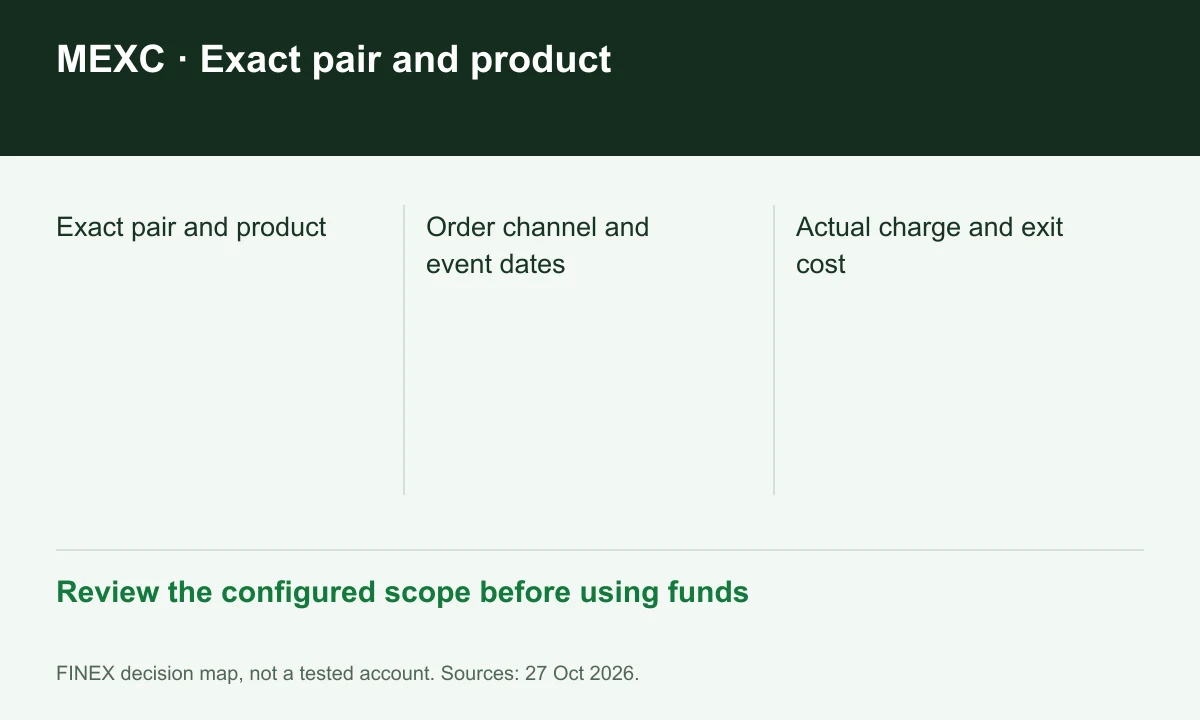
Diagram explained
Review the configured scope before using funds
- Exact pair and product
- Order channel and event dates
- Actual charge and exit cost
Check event duration and excluded pairs
The zero-fee FAQ directs readers to the current schedule and official announcements for qualifying pairs and program dates. Save the conditions when comparing alternatives. A campaign screenshot without its dates and pair list is an incomplete cost comparison.
Sources for this section
Do not resolve a conflicting display by guessing
Our public fee-page read displayed an unresolved MX-discount value, while the dated Learn guide described a different benefit. FINEX does not convert that mismatch into a promised percentage. The account's current applicable rate and resulting trade record are the practical checks.
Sources for this section
www.mexc.com — official documentation www.mexc.com — official documentation
Measure execution cost separately from the exit
Build a comparison with separate columns for filled-order fee, funding or borrowing where relevant, and eventual withdrawal charge. Mark unknown values as unknown. This prevents a zero execution label from hiding an expensive or unsuitable exit route.
Sources for this section
Register for up to 100% trading fee rebates
Rebate details
Contact FINEX to confirm the rebate rate, eligible fees and account conditions before registering. contact@finexbroker.com
Your next step
Sources and scope
Sources are provider publications. Conditions may vary by entity, country, account and program. Recheck before signing up.