Spreadex TradingView: charts, orders and account controls
Connecting TradingView changes the trading interface, not the underlying Spreadex account, product risks or withdrawal requirements.
Connect the correct broker account
The platform guide connects a Spreadex account through its TradingView broker profile. Confirm the connected account before entering an order; a TradingView chart or paper-trading session is not proof of a live broker position.
Sources for this section
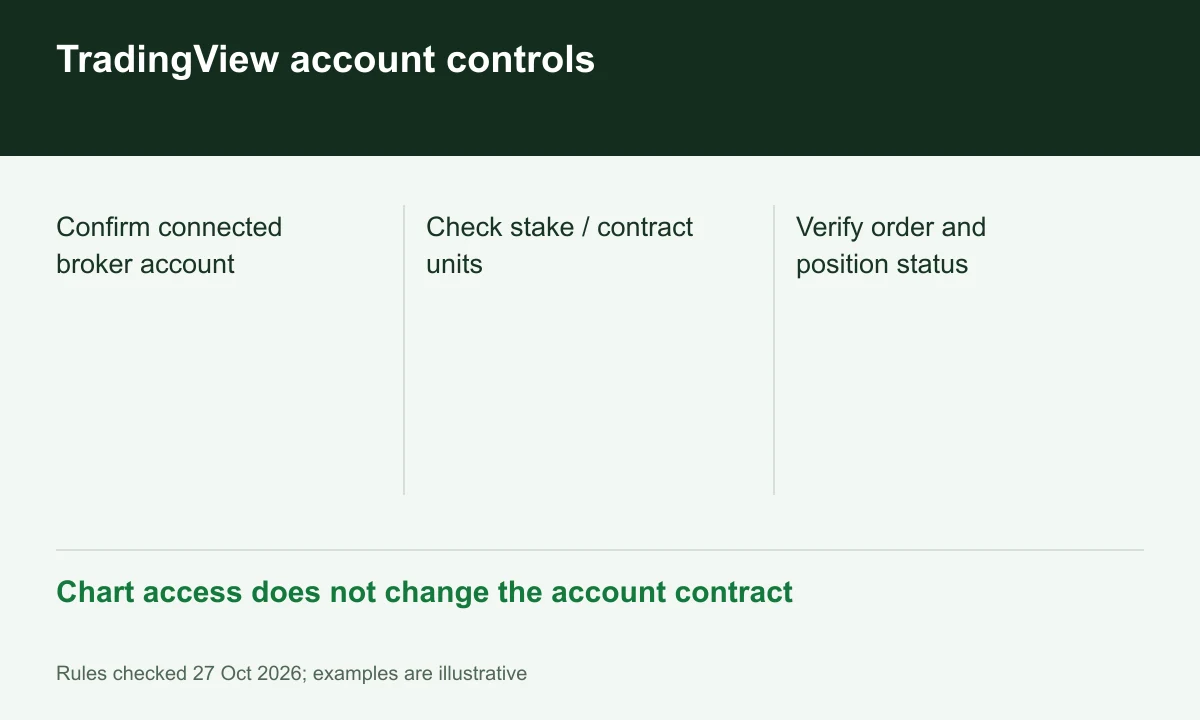
Diagram explained
Chart access does not change the account contract
- Confirm connected broker account
- Check stake / contract units
- Verify order and position status
A chart is an interface
Spreadex describes chart orders and bracket tools with entry, stop and profit targets. These tools help transmit instructions; their presence does not guarantee a fill price or eliminate the derivative’s market risk.
Sources for this section
Official programme, eligibility or contract source Official programme, eligibility or contract source
Keep sizing units visible
Before confirming a ticket, distinguish a spread-bet stake per point from CFD contracts. For example, a chart label of two needs its product unit before it can describe the actual exposure.
Sources for this section
Official programme, eligibility or contract source Official programme, eligibility or contract source
Account obligations do not migrate
Retail margin monitoring and payment-source rules remain Spreadex account matters. Changing the chart application does not free funds supporting open positions or replace the financial customer agreement.
Register for up to 100% trading fee rebates
Rebate details
Contact FINEX to confirm the rebate rate, eligible fees and account conditions before registering. contact@finexbroker.com
Your next step
Sources and scope
Sources are provider publications. Conditions may vary by entity, country, account and program. Recheck before signing up.
- Official programme, eligibility or contract source
- Official programme, eligibility or contract source
- Official programme, eligibility or contract source
- Official programme, eligibility or contract source
- Official programme, eligibility or contract source
- Official programme, eligibility or contract source