Tickmill TradingView Raw or MetaTrader: choose by workflow
Separate connections, account currency, EAs and commission schedules.
Raw pricing, different environments
MT4/MT5 Raw and TradingView Raw appear as separate account rows. TradingView Raw uses a Tickmill Trader account; do not assume MetaTrader credentials automatically work for that connection.
Sources for this section
Official Tickmill source Official Tickmill source Official Tickmill source
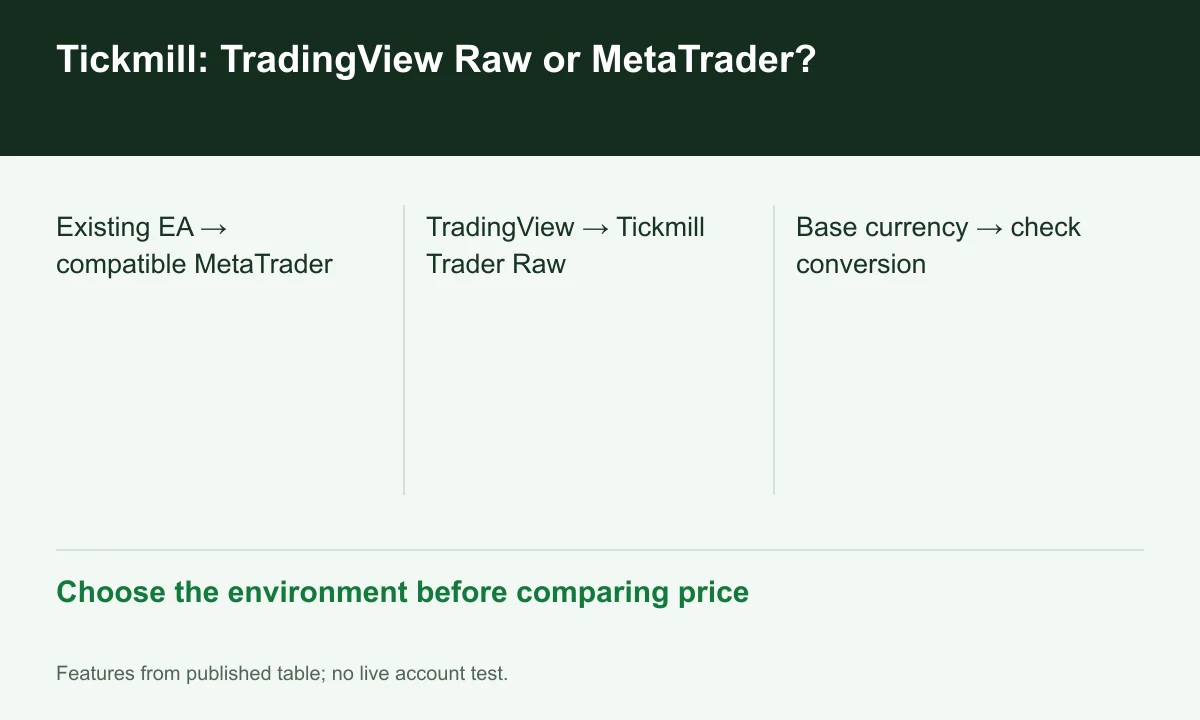
Diagram explained
Choose the environment before comparing price
- Existing EA → compatible MetaTrader
- TradingView → Tickmill Trader Raw
- Base currency → check conversion
Choose around existing automation
The current table marks EAs unavailable on TradingView Raw. With an existing EA, check the required MetaTrader version first. TradingView charts do not establish compatibility with an existing automated program.
Sources for this section
Official Tickmill source Official Tickmill source Official Tickmill source
Account currency also matters
TradingView Raw lists USD only; MetaTrader Raw also lists EUR, GBP and ZAR. Where funding uses another currency, include conversion costs rather than comparing commission alone.
Sources for this section
Official Tickmill source Official Tickmill source Official Tickmill source
Match terms before connecting
The legal hub separates regional companies; the opened Tickmill Ltd agreement concerns Seychelles SD008. This does not make UK or European schedules applicable to the same account. Check the company and access permissions in your own application.
Sources for this section
Official Tickmill source Official Tickmill source Official Tickmill source
Register for up to 100% trading fee rebates
Rebate details
Contact FINEX to confirm the rebate rate, eligible fees and account conditions before registering. contact@finexbroker.com
Your next step
Sources and scope
Sources are provider publications. Conditions may vary by entity, country, account and program. Recheck before signing up.