ActivTrades: withdraw with positions still open
Understand ActivTrades' main account and individual trading balances, and distinguish money available for withdrawal from funds securing positions on a platform.
Identify where the money sits
The open-position FAQ separates the main ActivTrades account from individual platform trading accounts. A group total alone does not show what is free to withdraw.
Sources for this section
help.activtrades.com — official documentation help.activtrades.com — official documentation help.activtrades.com — official documentation help.activtrades.com — official documentation
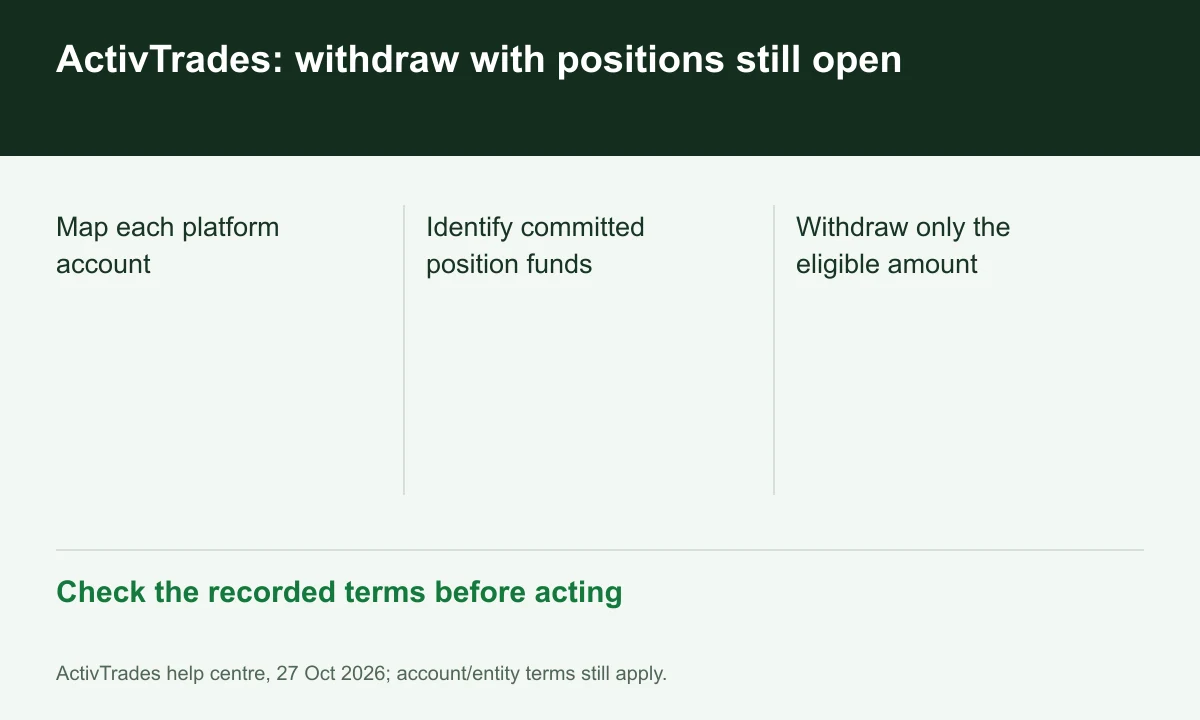
Diagram explained
Check the recorded terms before acting
- Map each platform account
- Identify committed position funds
- Withdraw only the eligible amount
Check position support first
The article says balances in individual trading accounts secure their positions. Identify funds committed to those positions before treating an internal transfer as freely available cash.
Use the Personal Area map
List each ActivTrader, MT4 or MT5 account, its balance and open positions. This practical reconciliation follows the FAQ's account separation without inventing a universal free-margin percentage.
Then check the payment route
Uncommitted funds still follow withdrawal method rules. The original card/provider deposit and excess profit can use different routes, so an internal transfer is not the final bank payment.
Register for up to 100% trading fee rebates
Rebate details
Contact FINEX to confirm the rebate rate, eligible fees and account conditions before registering. contact@finexbroker.com
Your next step
Sources and scope
Sources are provider publications. Conditions may vary by entity, country, account and program. Recheck before signing up.