CMC netting and partial-close workflow
Read CMC UK's netting preference and trade-level partial closure before placing opposite-direction tickets; distinguish gross open trades from net exposure.
Read the netting preference
CMC says disabling account netting in Account Settings permits long and short trades in the same product simultaneously. Verify the setting before placing the opposite direction.
Sources for this section
www.cmcmarkets.com — official documentation www.cmcmarkets.com — official documentation www.cmcmarkets.com — official documentation
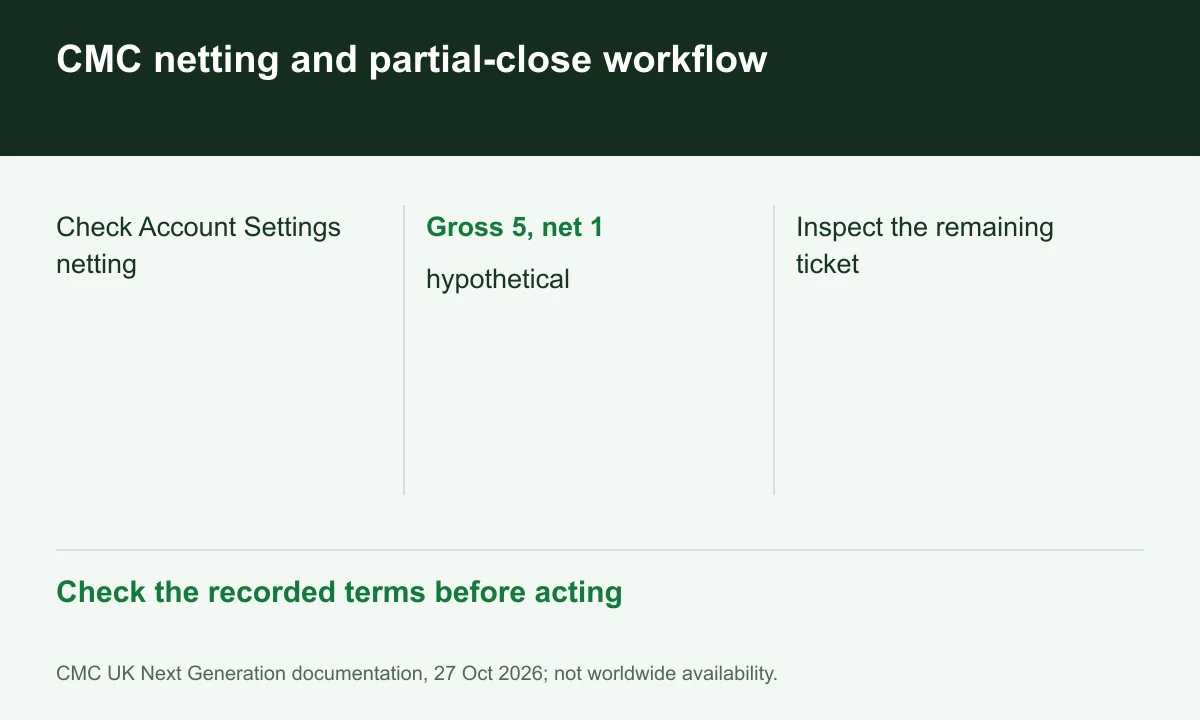
Diagram explained
Check the recorded terms before acting
- Check Account Settings netting
- Gross 5, net 1: hypothetical
- Inspect the remaining ticket
Track gross and net separately
Hypothetically, long 3 units and short 2 have net long 1 but gross 5 open units. This arithmetic does not establish margin offsets or remove costs on the underlying tickets.
Choose the ticket to reduce
The execution page supports partial closure of existing trades. Record the selected ticket and remaining size rather than assuming every reduction closes an entire product exposure.
Recheck attached controls
After a reduction, inspect remaining stop, take-profit and margin details. GSLOs have distinct premium and prime-margin conditions, so do not infer their state from net quantity alone.
Register for up to 100% trading fee rebates
Rebate details
Contact FINEX to confirm the rebate rate, eligible fees and account conditions before registering. contact@finexbroker.com
Your next step
Sources and scope
Sources are provider publications. Conditions may vary by entity, country, account and program. Recheck before signing up.