Markets.com rollover: platform clock and contract checks
Compare Markets.com's MT4 and MT5 rollover notes and instrument rows, avoiding a universal local reset time or a copied financing rate from another product.
Select the right platform table
The conditions page separates MT4 and MT5 notes. Read the table for the account being used rather than carrying a calendar rule from one platform into another.
Sources for this section
www.markets.com — official documentation www.markets.com — official documentation www.markets.com — official documentation
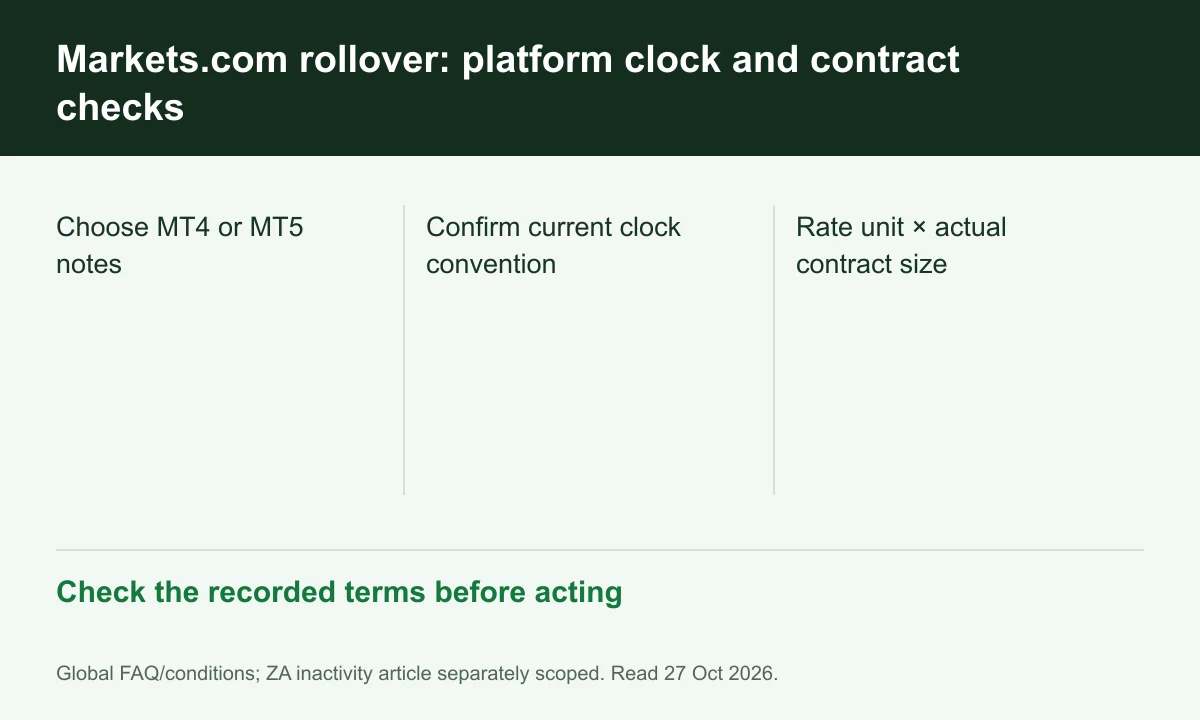
Diagram explained
Check the recorded terms before acting
- Choose MT4 or MT5 notes
- Confirm current clock convention
- Rate unit × actual contract size
Keep the displayed time convention
Its MT4 note explicitly mentions a summer-time adjustment while the MT5 note uses a fixed GMT wording. Confirm the current account schedule; do not silently reconcile them into one Vietnam time.
Check long, short and contract units
The instrument tables give separate buy/sell financing and lot sizes. Record both the rate unit and trade size before multiplying; an oil row cannot price a forex position.
Read multi-day entries conditionally
The page's platform notes describe Wednesday triple rollover for the stated schedules. Holidays and instrument differences still require the current table and posted account entry, not a universal three-times rule.
Register for up to 100% trading fee rebates
Rebate details
Contact FINEX to confirm the rebate rate, eligible fees and account conditions before registering. contact@finexbroker.com
Your next step
Sources and scope
Sources are provider publications. Conditions may vary by entity, country, account and program. Recheck before signing up.