Markets.com stops: rate, USD and margin units
Read Markets.com's stop-loss input modes without confusing a percentage of margin with a percentage of total equity, and check the order confirmation before relying on it.
Identify the selected input mode
The FAQ lists rate, USD value and percentage of margin as stop-loss and take-profit inputs. Write down the selected mode before entering a number.
Sources for this section
www.markets.com — official documentation www.markets.com — official documentation www.markets.com — official documentation
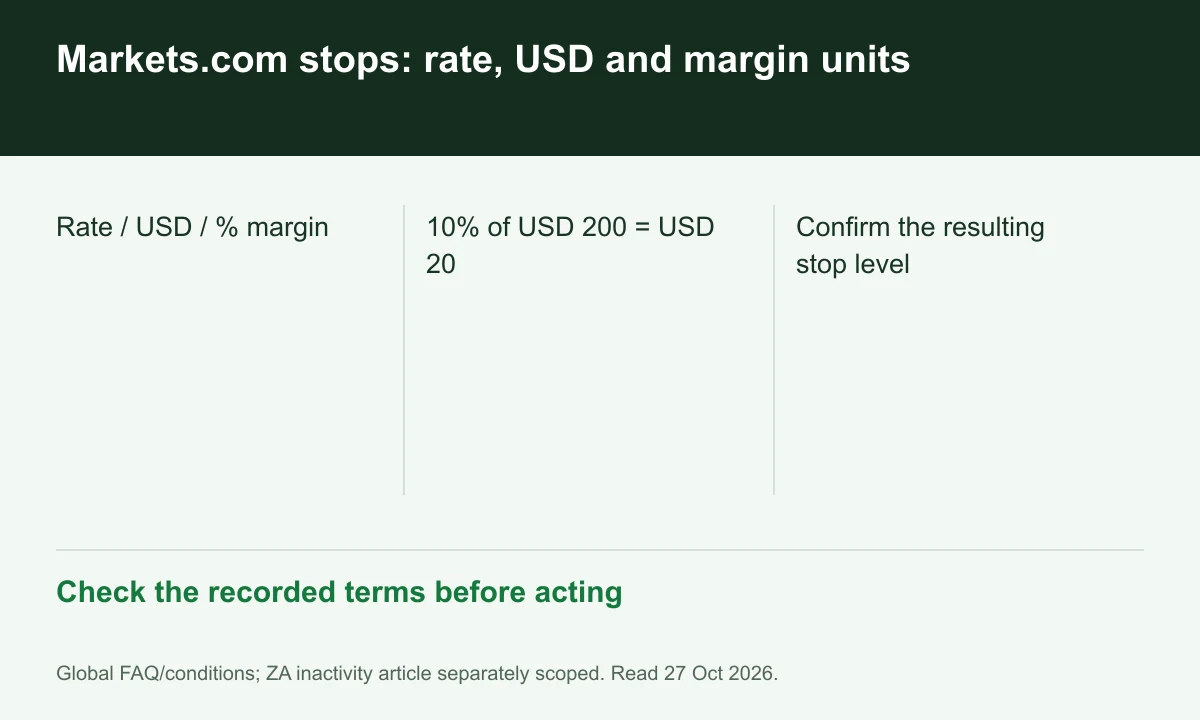
Diagram explained
Check the recorded terms before acting
- Rate / USD / % margin
- 10% of USD 200 = USD 20
- Confirm the resulting stop level
Margin percentage is not equity percentage
If hypothetical margin is USD 200, 10% of that margin is USD 20. It is not 10% of a USD 2,000 account, which would be USD 200.
Check the resulting price level
Inspect the level generated from the chosen cash or percentage input against trade direction and contract size. The instrument-specific conditions matter before interpreting a monetary distance.
Keep acceptance and execution distinct
Confirm the order is attached to the intended position. The FAQ's protection wording does not establish a GSLO contract or guarantee that every stop executes at its requested level.
Register for up to 100% trading fee rebates
Rebate details
Contact FINEX to confirm the rebate rate, eligible fees and account conditions before registering. contact@finexbroker.com
Your next step
Sources and scope
Sources are provider publications. Conditions may vary by entity, country, account and program. Recheck before signing up.