Markets.com: trading, payment and platform scope
Read Markets.com's platform and payment guidance with instrument-specific conditions, distinguishing global FAQ statements from the separate South African inactivity article.
Match the instrument and platform
The conditions page separates platform tables, instruments, contract sizes and financing. A forex lot, oil lot and cash-index unit must not share an assumed exposure formula.
Sources for this section
www.markets.com — official documentation www.markets.com — official documentation www.markets.com — official documentation
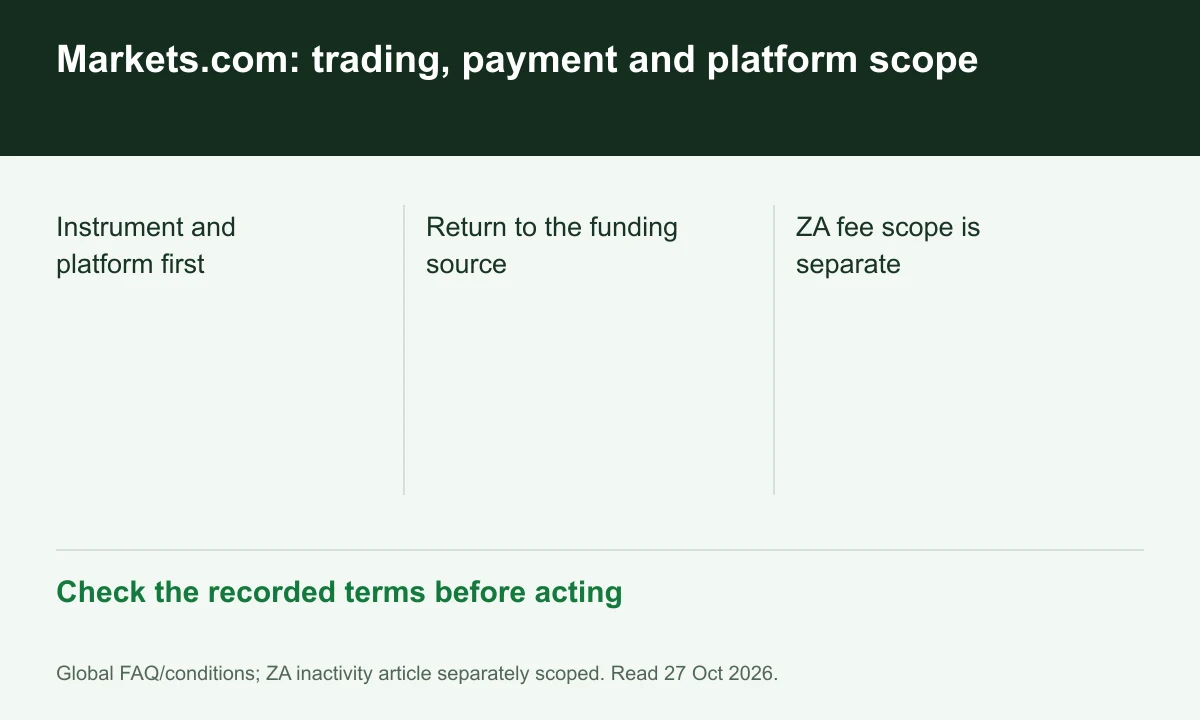
Diagram explained
Check the recorded terms before acting
- Instrument and platform first
- Return to the funding source
- ZA fee scope is separate
Treat quoted spreads as conditional
The table labels spreads as low as, rather than realised averages. Record the actual bid/ask and time before comparing the cost of a hypothetical trade.
Keep payment ownership explicit
The FAQ rejects third-party funding and withdrawals and prioritizes refunding sources used for deposits. A convenient menu choice may be changed to meet original-source requirements.
Avoid a worldwide fee inference
The inactivity source in this set is a /za article, while the FAQ and tables are global routes. Confirm the assigned company's agreement before applying the South African fee schedule.
Register for up to 100% trading fee rebates
Rebate details
Contact FINEX to confirm the rebate rate, eligible fees and account conditions before registering. contact@finexbroker.com
Your next step
Sources and scope
Sources are provider publications. Conditions may vary by entity, country, account and program. Recheck before signing up.