Markets.com: split card refunds and closed sources
Understand Markets.com's card-refund priority, excess-profit route and closed-account evidence, then track payment timing separately from provider completion.
Card refunds can split
The FAQ explains that multiple funding cards can produce separate refunds. Match each returned amount to its deposit source before treating several entries as missing money.
Sources for this section
www.markets.com — official documentation www.markets.com — official documentation www.markets.com — official documentation
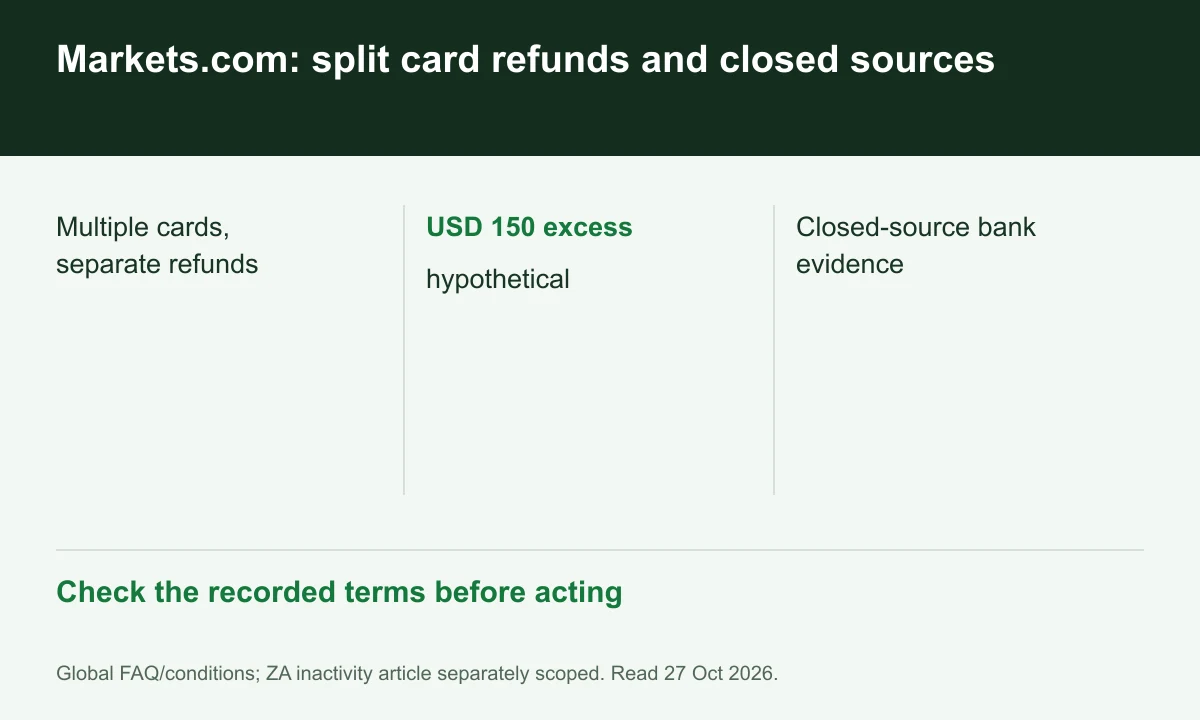
Diagram explained
Check the recorded terms before acting
- Multiple cards, separate refunds
- USD 150 excess: hypothetical
- Closed-source bank evidence
Separate deposit and profit
A hypothetical USD 500 deposit and USD 650 balance leave USD 150 beyond that deposit. The FAQ sends excess profits through supported alternatives, not unlimited card refunds.
Expired card differs from closed bank
The FAQ distinguishes an inactive card backed by an open bank account from closure of both. For full closure it asks for an official bank letter and ownership proof for new methods.
Request a trace after the method window
The published receipt ranges begin after completion on the provider side and differ by method. Preserve the request and recipient details for support to obtain bank-trace information.
Register for up to 100% trading fee rebates
Rebate details
Contact FINEX to confirm the rebate rate, eligible fees and account conditions before registering. contact@finexbroker.com
Your next step
Sources and scope
Sources are provider publications. Conditions may vary by entity, country, account and program. Recheck before signing up.